One move at a time that really helps at rehearsal
Short, practical tips from real rehearsal situations: one situation, one benefit, a few steps. This is not a changelog — new releases live in the dev blog.
Keep your team mark visible on the projection
A subtle corner logo keeps your shared event recognisable beside projected songs.
Read the tip
Do not start with an empty song library
Bring your team’s shared songs back from a previously exported ZIP, instead of rebuilding them one by one.
Read the tip
When the moment pauses, let the screen go dark
When something unexpectedly pauses, black out the projection in one move so unfinished lyrics do not stay on screen.
Read the tip
Keep one complete copy of a duplicate song
When the score and lyrics for the same song ended up in separate copies, merge them into one usable song.
Read the tip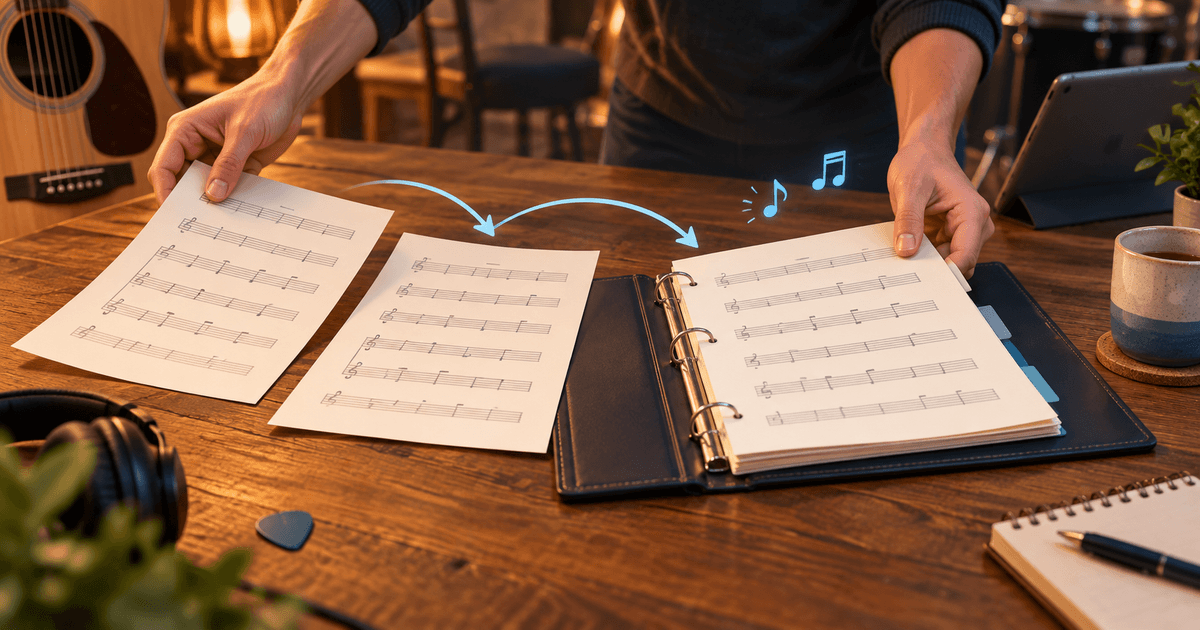
See at a glance who has arrived
A green indicator on member cards shows who has already opened Chords365 before rehearsal.
Read the tip
Let only played songs count
After rehearsal or an event, mark the songs that were actually performed so reserve songs do not distort your statistics.
Read the tip
Start with your own tasks
When several shared preparations run at once, see what is waiting for you in one place on the home page.
Read the tip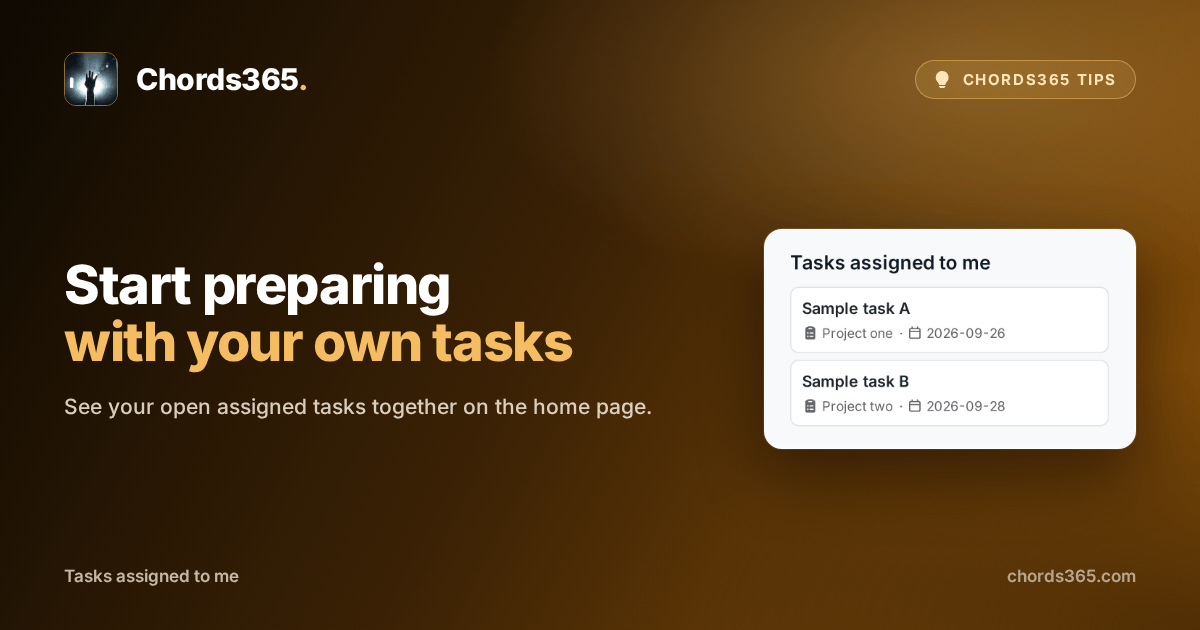
Use role names your team naturally uses
Choose consistent role labels that feel natural to your team, so assignments are easier to talk about.
Read the tip
Make sure everyone knows you by name
If rehearsal still shows an old nickname, a shared family account, or an unclear name, a quick profile change helps everyone know whom they are looking for.
Read the tip
Keep a copy of what belongs to your account
Before a new season or a device change, save a ZIP copy of your own Chords365 data.
Read the tip
Open the Media Library from your file manager
When you prepare shared audio or projection files on your own computer, you do not need to upload and download them one by one in a browser. WebDAV lets you reach the Media Library from the file manager you already use.
Read the tip
Prepare together in a language you know
When someone hesitates over unfamiliar labels while you prepare together, they do not have to adapt to another language. Choose your own language and the app follows on your other devices too.
Read the tip
Start with the songs you trust
When you need to begin the next rehearsal list quickly, you do not have to scan the whole Library again. Your favourites give you proven starting points straight away.
Read the tip
Save your team’s whole song library together
Before a new season or a device change, you do not need to find the materials song by song. A full library export keeps what you may need later in one ZIP file.
Read the tip
Give the stage the view it needs
When the audience needs lyrics and the stage needs time, you do not have to send one image to every screen. Screen roles let you choose slides and a timer separately.
Read the tip
Let everyone know when rehearsal starts again
When a break drifts on, you do not have to call around the room to restart. A projected countdown makes the shared return time clear.
Read the tip
Don't hunt through menus during rehearsal
When you need an occasional action in the middle of rehearsal, you don't have to scan every menu. Search for a song, setlist or feature instead.
Read the tip
Pick songs for rehearsal in one place
When you have several songs in mind for the next rehearsal, you do not need to return to the setlist after each one. Collect them together from the Library.
Read the tip
Choose the score that fits the rehearsal
When a song has both a simplified and a full score, you do not need to search through files during rehearsal. Switch to the version that works for you in one tap.
Read the tip
Advance the projection from your phone
When the laptop stays by the projector, you do not have to stand beside it for every slide change. The phone remote lets you advance from anywhere in the room.
Read the tip
Do not keep choosing the same song
A small signal helps you notice which songs have appeared too often while you are preparing the next rehearsal list.
Read the tip
Keep a clear break in your setlist
When you pause midway through rehearsal, you do not have to remember where to continue. Add a break to the setlist so everyone sees the same order.
Read the tip
Make the interface fit your screen
If the controls are too small on the rehearsal-room tablet but take up too much room on your phone, you do not have to compromise. Set the interface size separately for each device.
Read the tip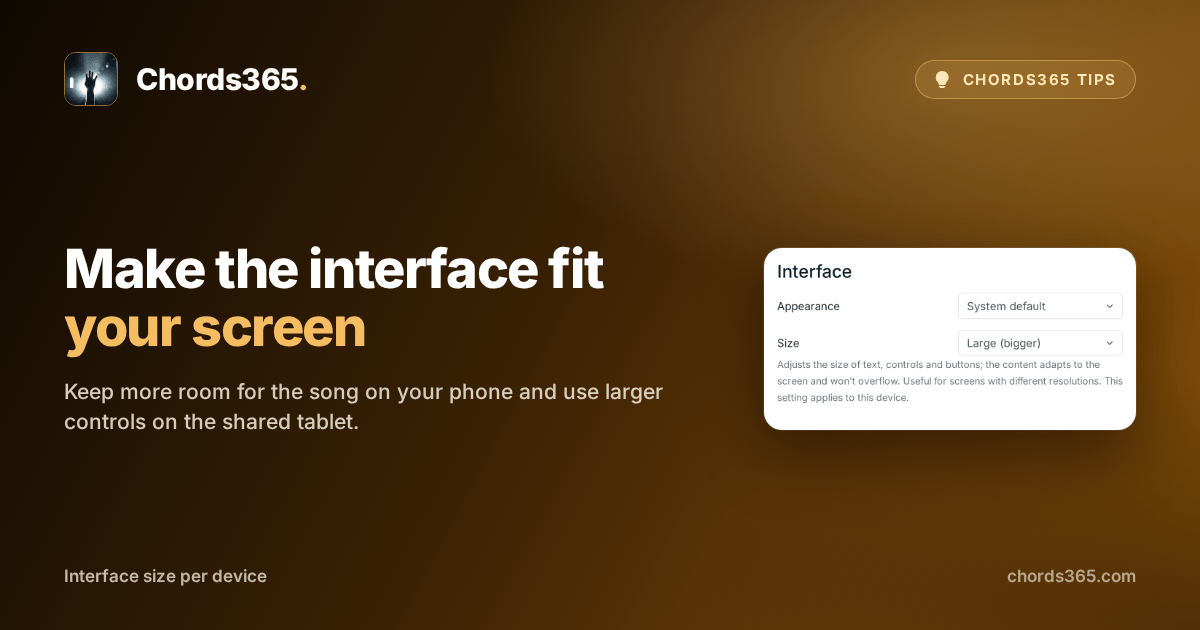
Before rehearsal, make every role clear
When everyone arrives, you do not need to ask around who is on guitar, vocals or projection. Setlist assignments show every role at a glance.
Read the tip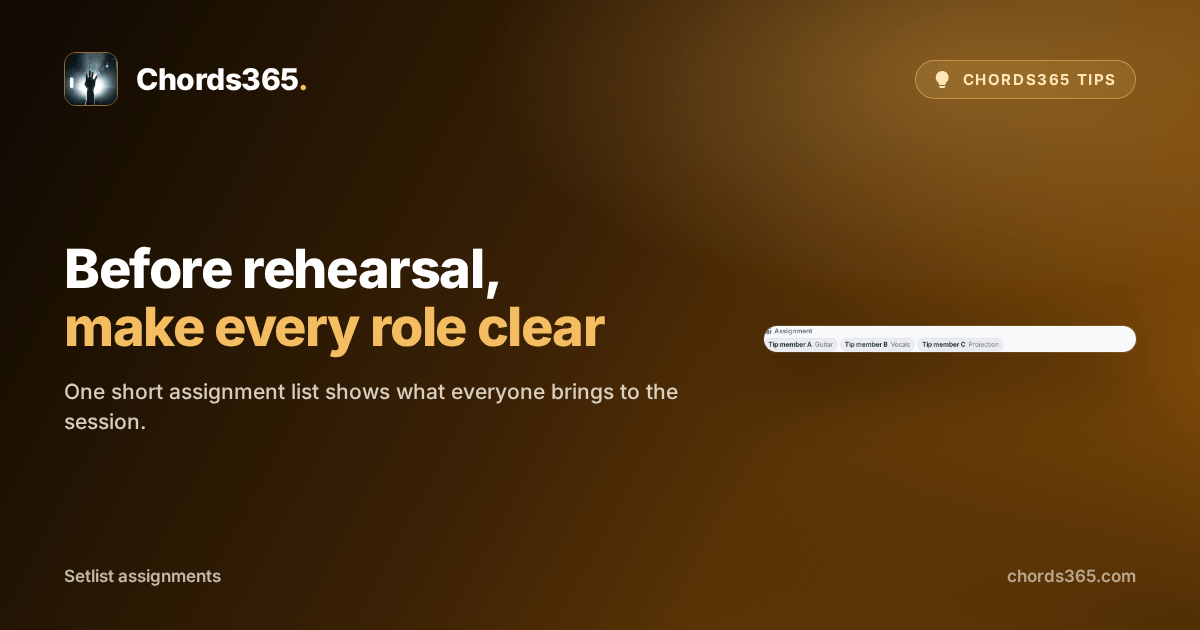
Do not lose a setlist to an accidental delete
If one wrong tap makes the next rehearsal’s list disappear, you do not have to build it again. Restore it from the Trash while there is still time.
Read the tip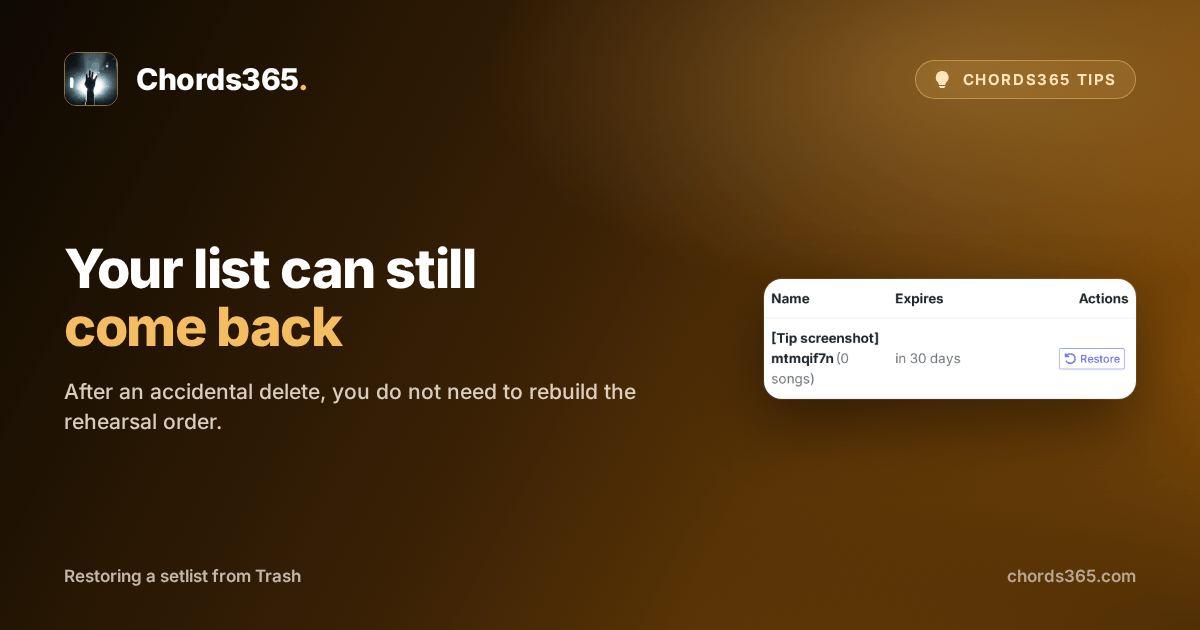
Do not guess what changed in the song
When an older song is unclear after the last rehearsal, you do not have to reconstruct it from memory. Song history shows its use and edits.
Read the tip
See the same harmony in a different key
When rehearsal moves to another key, you do not have to recalculate every chord in your head. Numbered chords show the scale degrees.
Read the tip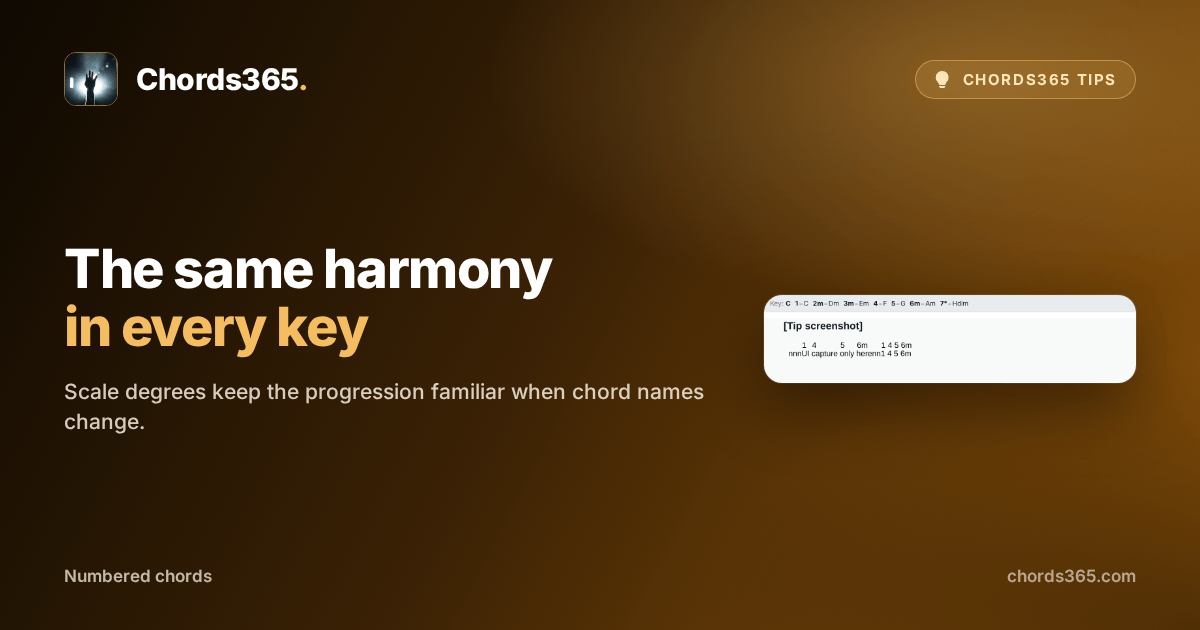
Send the rehearsal setlist in one link
When someone asks which list to prepare from, do not explain a route through the menus. Copy the setlist’s direct link and send it.
Read the tip
When your rehearsal setlist needs a fresh idea
When you get stuck building a rehearsal setlist, you do not have to scroll through the entire library at random. Random song selection gives you a new starting point within your own conditions.
Read the tip
Keep your familiar chord shapes when the key changes
When the singer needs a different key, you do not have to search for new shapes in your head. A capo keeps the same chord forms under your fingers.
Read the tip
One update, and no one is left out
When details for the next rehearsal change, you do not need to gather the team through separate messages. A group broadcast sends the same clear update to everyone.
Read the tip
Do not rebuild a recurring setlist
When a rehearsal starts from much the same base as last week, you do not need to choose every song again. Clone the order that worked and adjust only what is different now.
Read the tip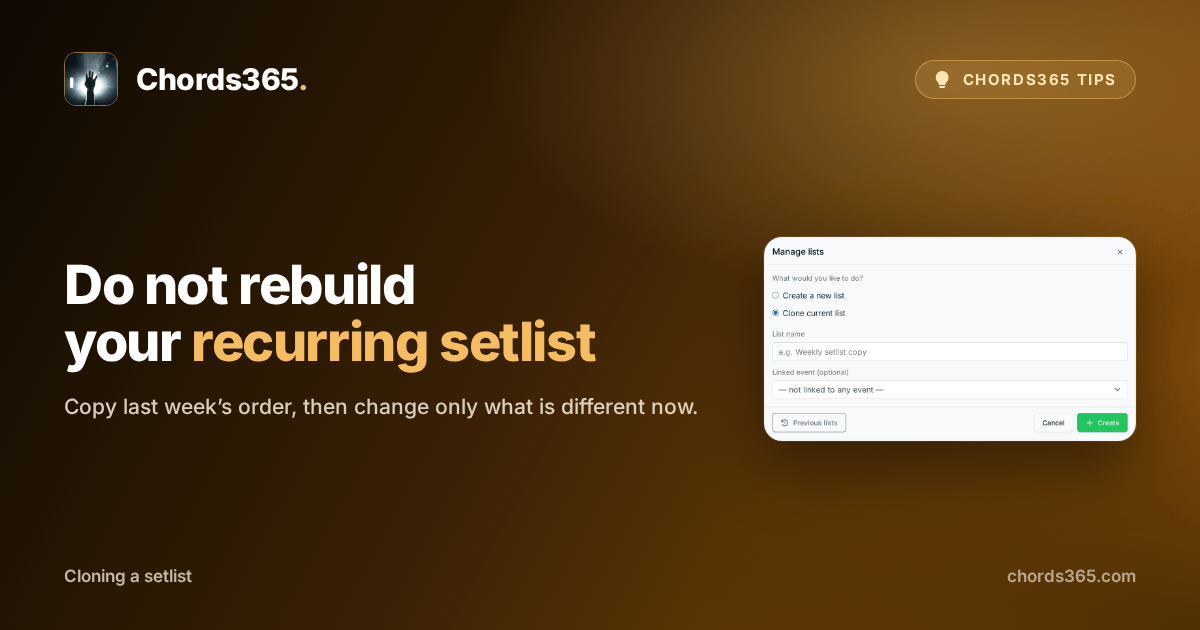
Do not search the chat for who is bringing what
As a rehearsal or performance gets closer, small tasks and important details can scatter across messages. An event memo keeps them together.
Read the tip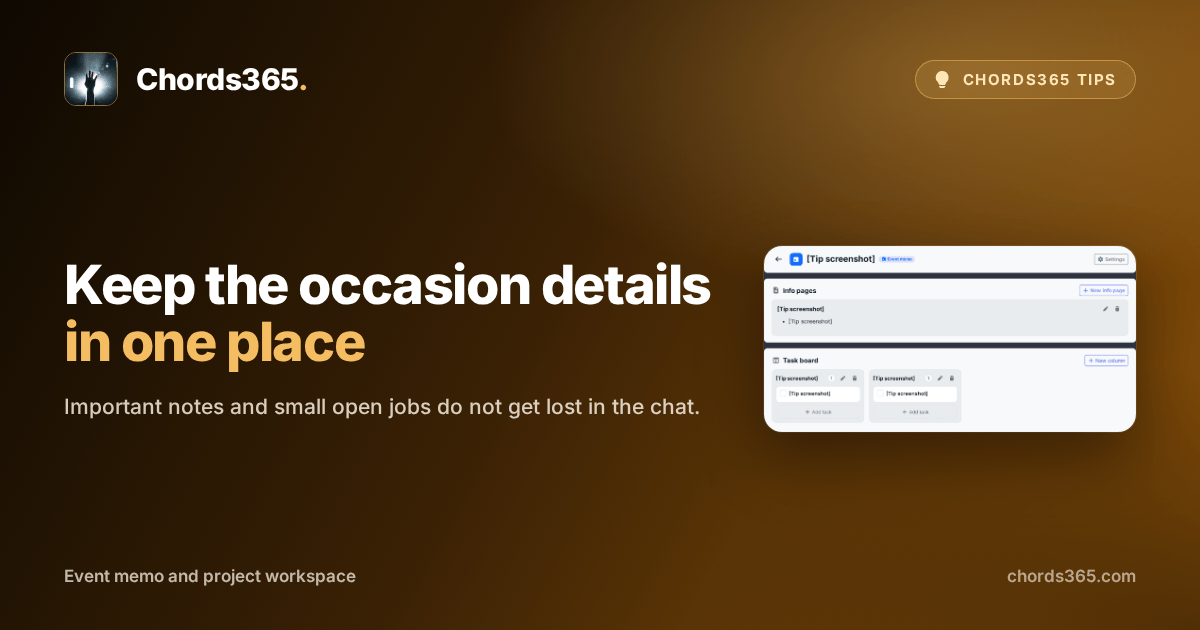
Tell your team when the setlist is ready
When the base list for the next rehearsal finally comes together, you do not need to chase everyone in separate messages. One short notification gives the team the cue to prepare.
Read the tip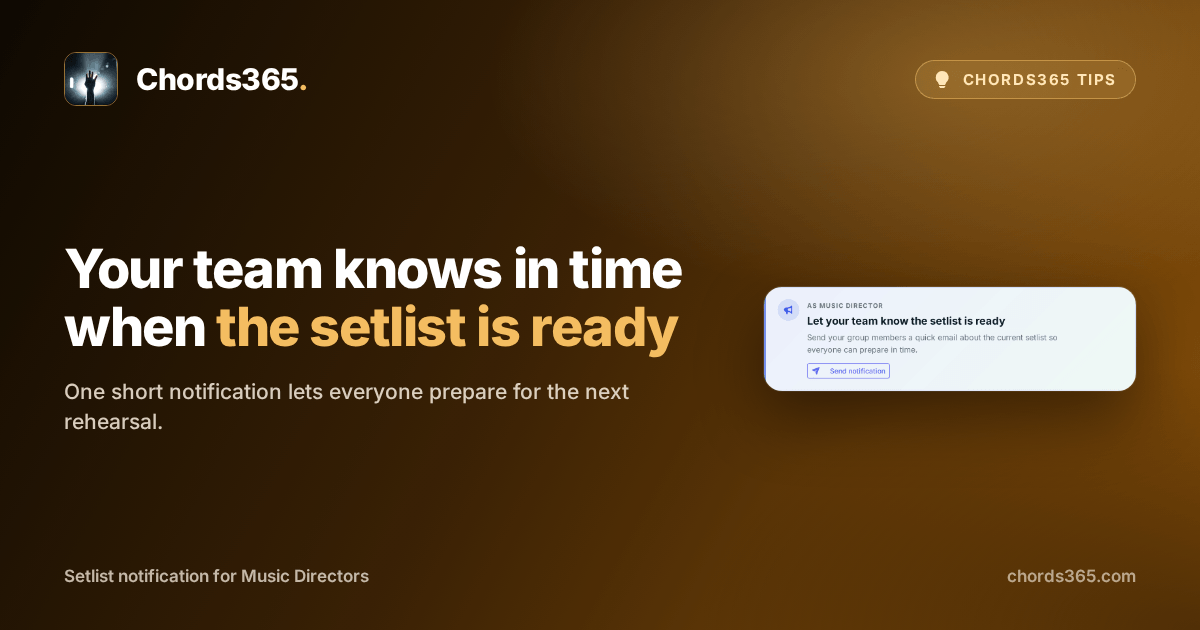
Keep your hands on your instrument for the next song
On stage, your hands belong on the instrument, not on the screen. A Bluetooth pedal lets you move through the setlist while you keep playing.
Read the tip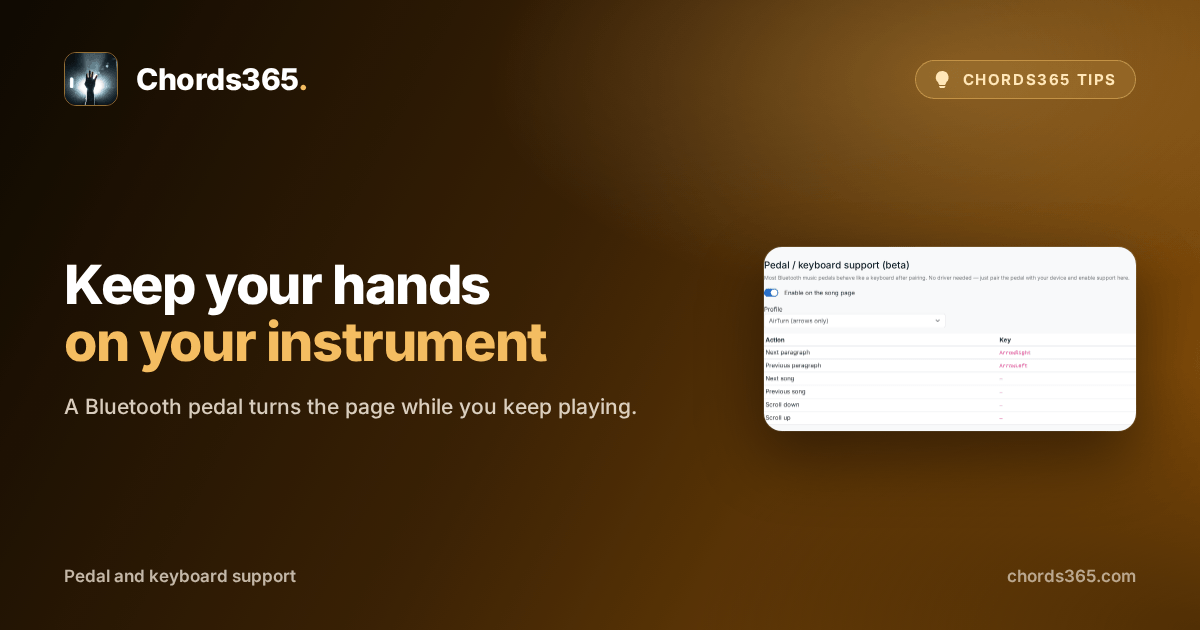
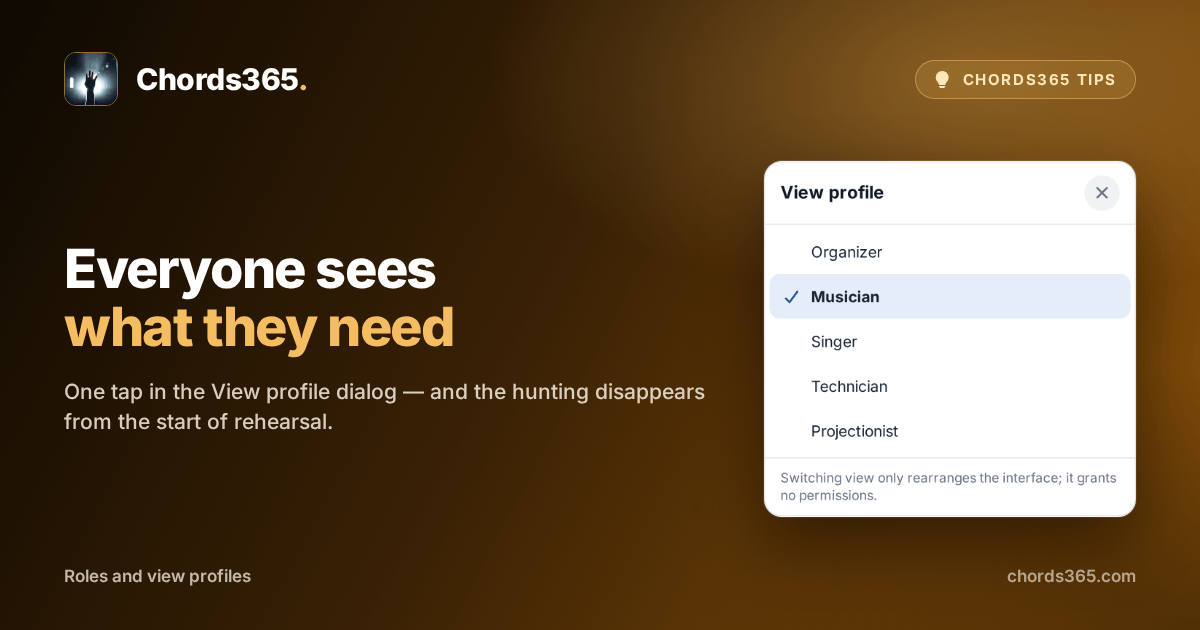
The same song, and yet everyone sees exactly what they need
At the start of a rehearsal everyone is hunting for something: the singer for the lyrics, the guitarist for the capo, the projectionist for the media library. One setting, and everyone starts with what they actually need.
Read the tip