Keep your hands on your instrument for the next song
You are holding the last chord, and the next song is already about to begin. The guitar is in your hands and the microphone is in front of you — yet you would need to reach for the screen to turn the page. In that moment, even one movement can pull you out of the music.
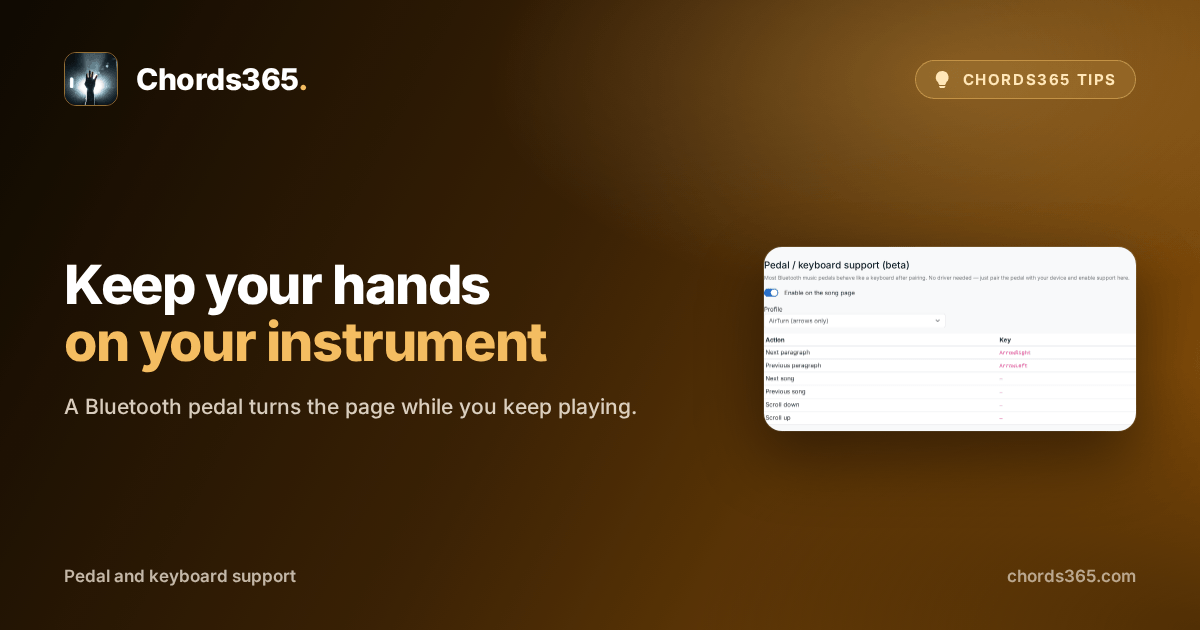
A Bluetooth pedal lets your hands stay on your instrument. Once paired, it works like a keyboard, and Chords365 uses its key press to turn pages or change songs.
Set it up in three steps:
- Pair the pedal in your device's Bluetooth settings.
- Open Settings → Features and enable Enable on the song page.
- Choose the profile that fits your pedal, such as the AirTurn or BT-PageFlip mapping.
After that, the pedal buttons can take you to the next section of the song or the next song in the setlist, depending on the profile you chose.
Try it at the next rehearsal during a slower song: move on with one pedal press and notice how natural it feels not to let go of your instrument. Details are in the Pedal and keyboard chapter of the manual.