Do not rebuild a recurring setlist
It is Wednesday evening, and Sunday’s rehearsal will follow much the same shape as last week’s. You already know half the songs by heart — yet you would still have to find them all again to rebuild the starting order.
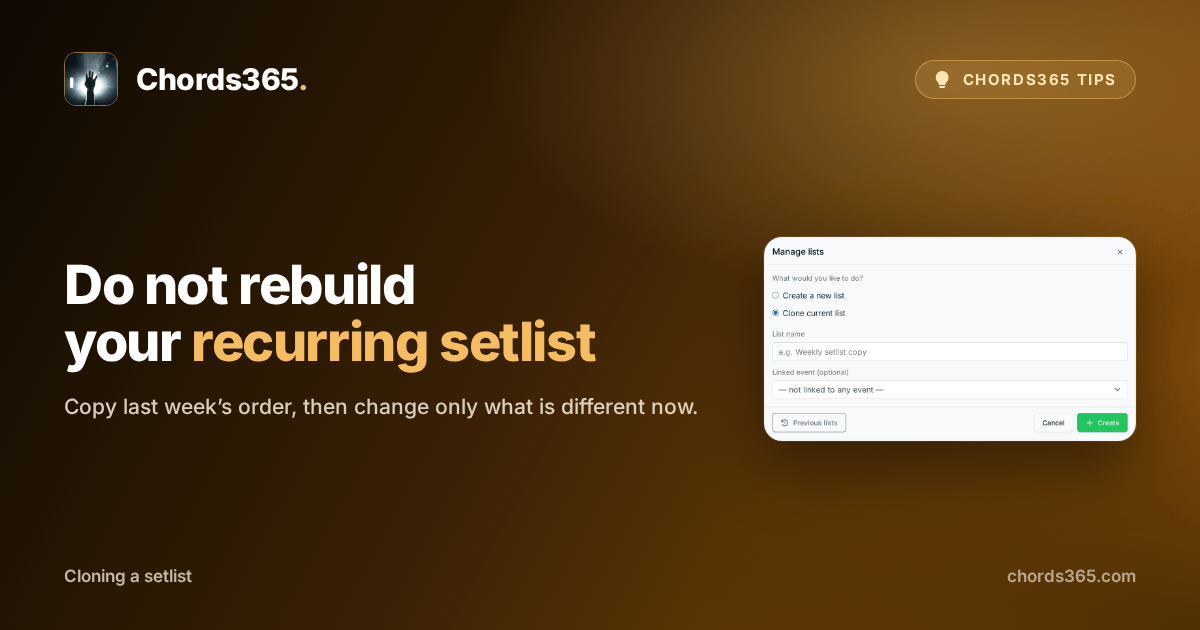
Cloning the current list keeps the base that already worked: it creates a new setlist with its order, songs and breaks. That leaves you to change only what is genuinely different for this occasion.
Three steps are enough:
- Open the setlist that is a good starting point for the next rehearsal.
- In the global header, choose Manage lists.
- Select Clone the current list, give the new list a name, then create it.
The new list stays independent, so you can comfortably replace the two or three songs that differ now; the original remains unchanged.
Try it for the next recurring rehearsal: start from the last list that worked well and see how much less you need to search again. Details are in the setlist chapter of the manual.