Give the stage the view it needs
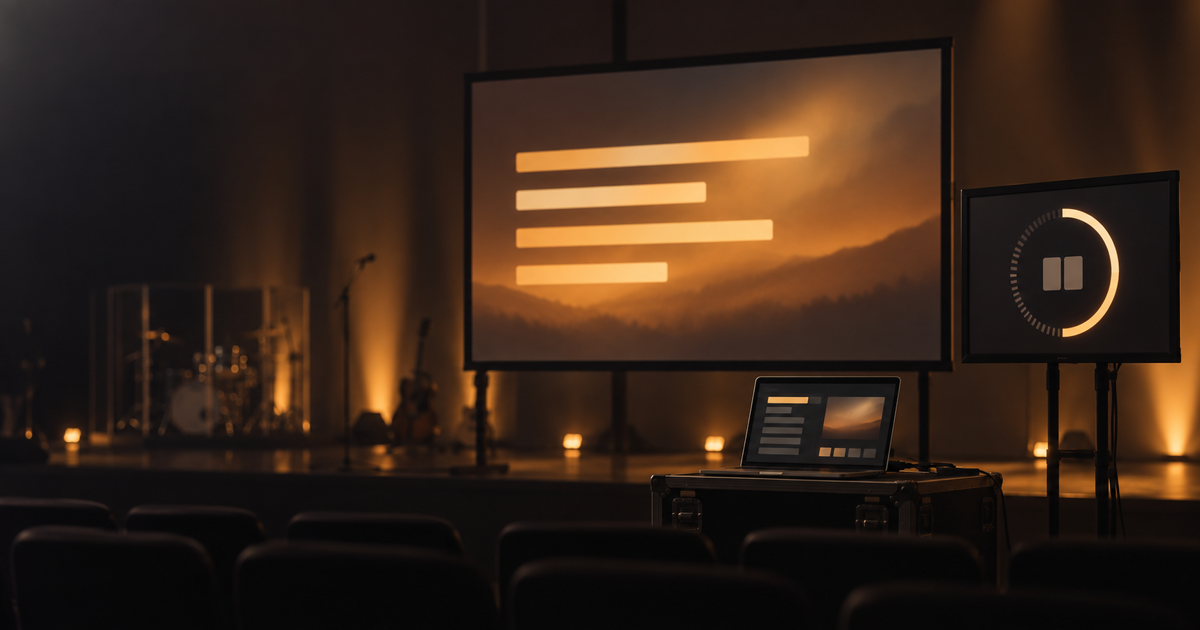
During setup, the audience may already need the next song's slides while the people on stage need to see the remaining time. You do not have to compromise with one shared picture.
In the projection Screens settings, every connected display can have its own role. One screen can show slides while another shows only the countdown, so everyone follows what helps them.
Three steps are enough:
- Connect two wired displays to the control computer, then open Screens on the projection control desk.
- Set one output to Slides only and the other to Countdown only.
- Start projection and check both screens separately in the Start projection window.
The roles only arrange what each display shows; you still control projection from one desk.
Try it at your next pre-service setup: give the audience its own picture and the stage its own time signal. Find the details in the Projection manual.