Keep one complete copy of a duplicate song
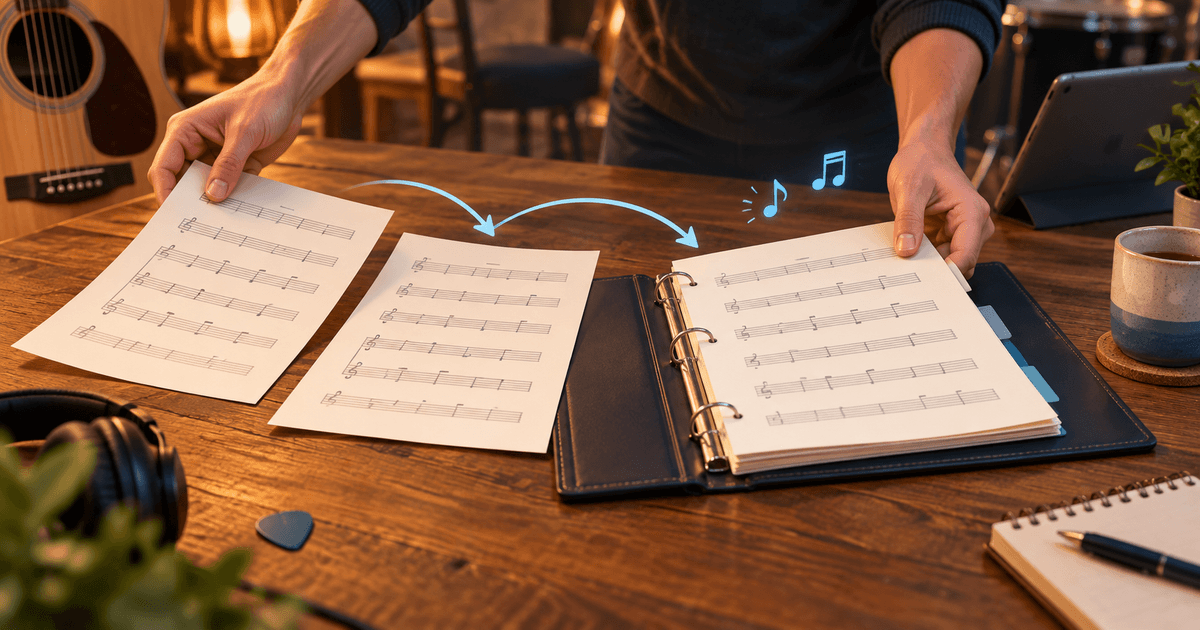
Before rehearsal, you notice the same song twice in the Library: one copy has the familiar chords, while the other has the uploaded score. You do not want the team to search in two places again next time.
Merge songs brings the useful content of the two copies into one song that remains. Lyrics, score pages and the data you choose stay together, while setlists automatically point to the surviving song.
Three steps are enough:
- As a group admin, open the Library and turn on Merge songs in Administrative actions.
- Select exactly the two duplicate songs, then choose Merge.
- In the dialog, choose the copy that remains, arrange the needed lyrics and score pages, then confirm.
The other copy goes to the Bin, so it can be restored if needed; setlist entries that pointed to it move to the remaining song.
Try it during your next Library tidy-up: turn one genuine duplicate into one complete copy. Find the details in the Library chapter of the manual.