Open the Media Library from your file manager
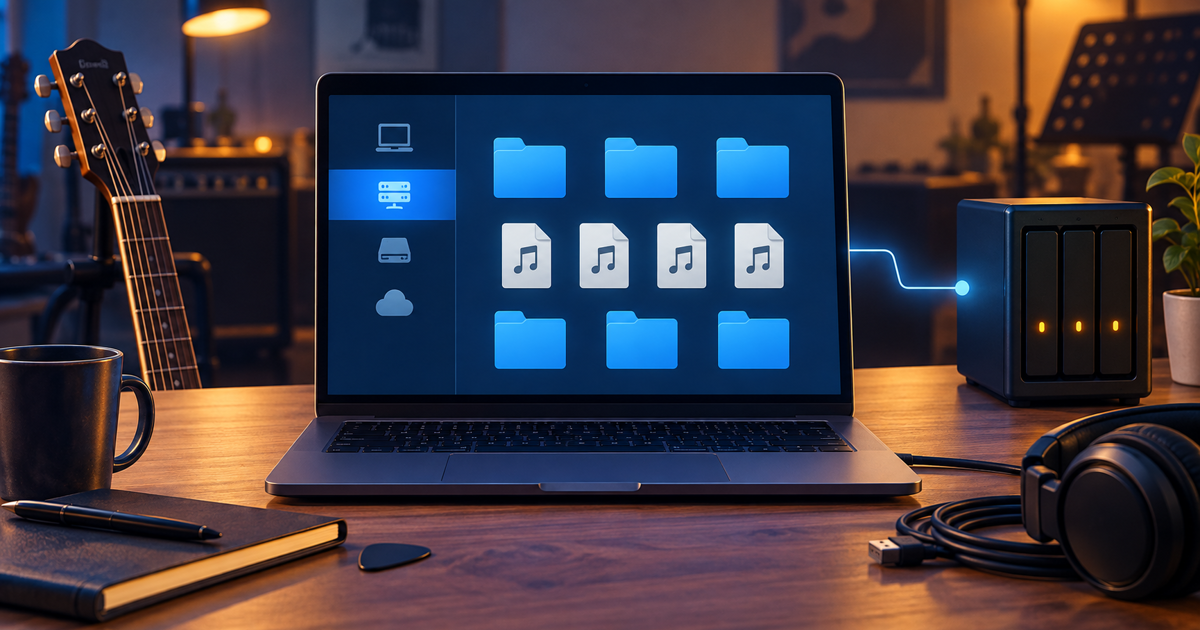
On the evening before a performance, you are still arranging audio and projection files on your own computer. You do not want to open the browser for every item and search for the upload place again.
With Media Library WebDAV access, you can open your group’s shared files in the file manager you already use, as if they were on a network drive. Group permissions, quota and Trash rules still apply.
Three steps are enough:
- Open the Media Library, then choose WebDAV in the toolbar.
- Copy the address, create a labelled token, and save the token in your file manager as soon as it appears.
- Connect with the address, your email address and the token; for downloads, you can choose read-only access.
For files above the size limit shown in the panel, use the web Upload button instead.
Try it during a calm preparation: open the shared materials read-only from your own file manager. Find details in the Media Library chapter of the manual.