Do not start with an empty song library
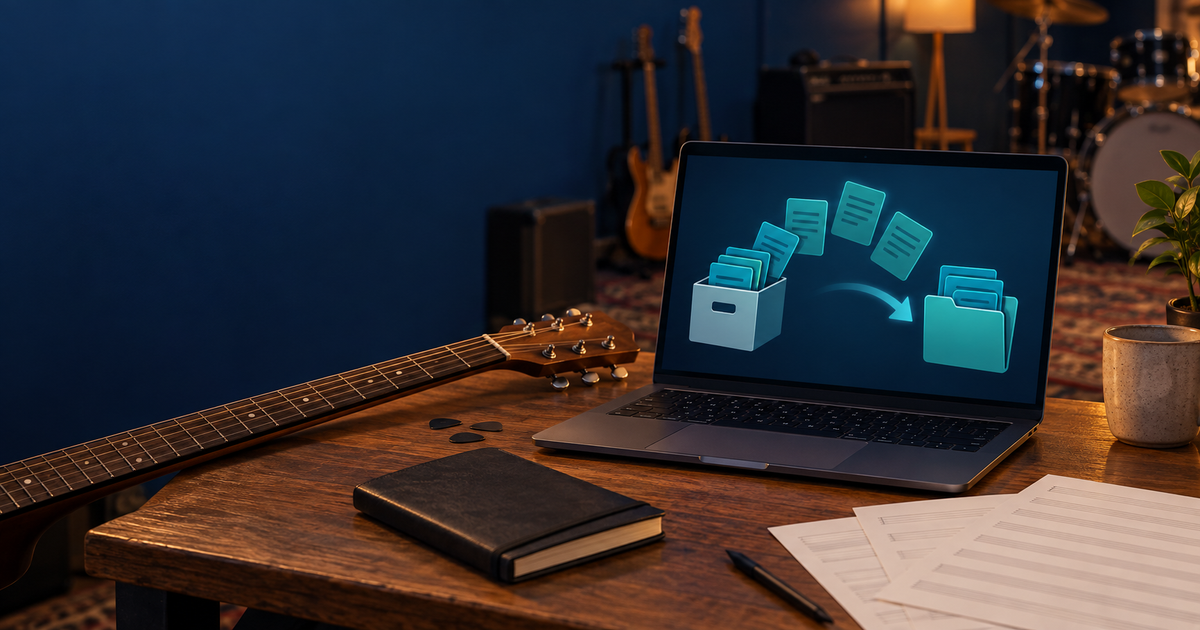
A new season is starting, or your team is continuing in a new group, but you do not want to enter every song from the old rehearsal lists again. It is better to begin with the shared foundation you already built together.
Restore full library brings songs and their materials back from a previously exported ZIP. Your new start does not have to begin with an empty song library.
Three steps are enough:
- As a group administrator, upload the previously exported ZIP to the Media library.
- Open Add song, then choose the ZIP in the Restore full library section.
- Start the import and check the short report of created, skipped and failed items when it finishes.
The import skips existing songs with the same title, so it does not overwrite your team’s current library.
Try it on a calm preparation day: use a previously exported test ZIP to see where you would start the restore. Find the details in the manual.