Do not search the chat for who is bringing what
On Friday evening, someone is still asking in the chat who is bringing the extension lead, while someone else is looking for the rehearsal schedule. By the time the answers surface, the details for Sunday are spread across three conversations.
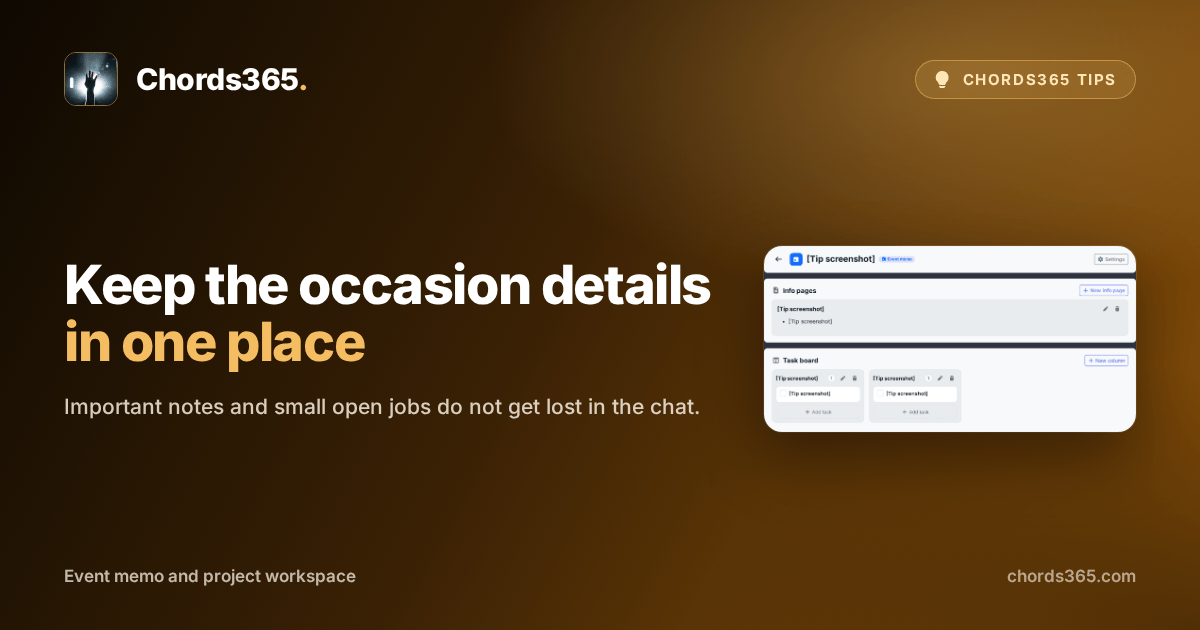
An event memo keeps the important details and tasks for that occasion together. You do not have to scroll through messages again: the venue notes and the remaining jobs can live in the same place.
You can get started in three steps:
- Open the upcoming occasion under Events.
- Choose Memo to open that occasion’s workspace.
- Add a short info page, then turn the remaining small jobs into tasks.
The memo is linked to the occasion, but it is not lost if the event is deleted; it simply becomes unlinked.
Try it for your next shared preparation: instead of opening another message thread, put the first important detail and task in the event memo. Find the details in the Projects and tasks chapter of the manual.