What's new in Chords365?
Here I explain in plain language what new features and improvements have shipped to the app. Every post is dated — with the latest on top.
When finished content no longer waits for the next release
Chords365 blog posts and tips can now reach music communities in ten languages through one verified publishing step.
Read more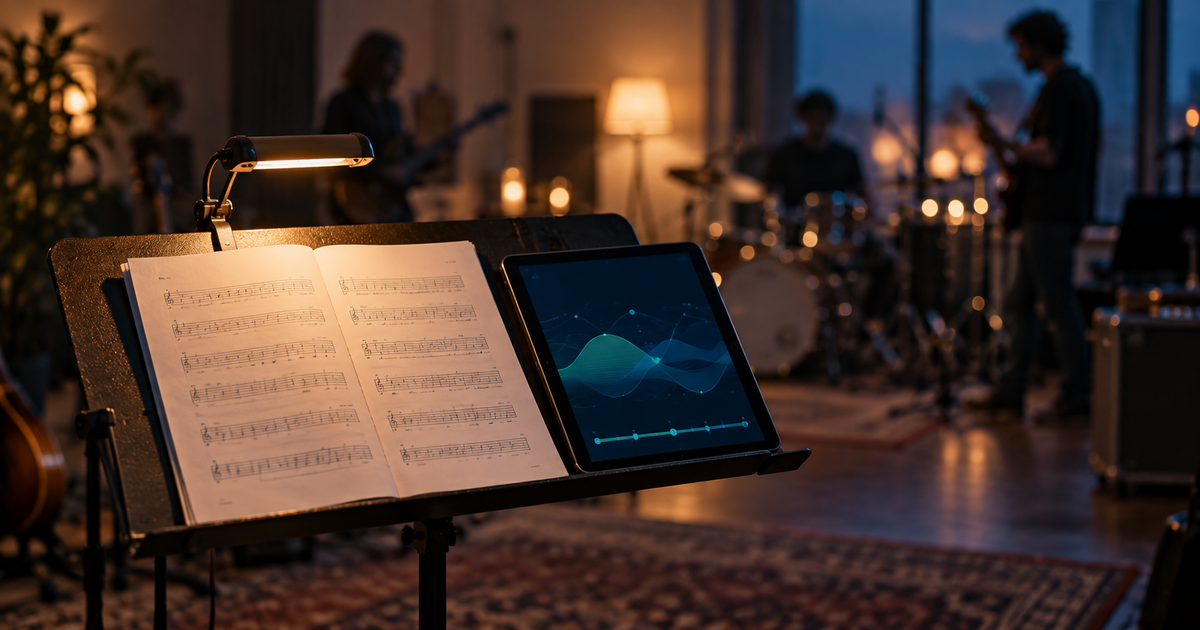
When behind-the-scenes work holds rehearsal together
These improvements build the quiet certainty you need once a rehearsal is already under way.
Read more
When the projection leaves a faithful trace
Recording, trimming and MP4 export now preserve the same story that was visible in the room.
Read more
When rehearsal is not about chasing errors
The recent work appears in different corners of Chords365, but it serves one shared goal: at rehearsal, attention should stay on the music and on one another.
Read more
Development update: keeping the last ten minutes calm
In the busy minutes before an event, the app needs to make one thing especially clear: what truly needs attention, and what no longer does.
Read more
Development update: when technology stays in the background
The most important Chords365 work of recent weeks was not about a single flashy button, but about preparing for the unexpected moments that happen in real rehearsals and services.
Read more
Roster confirmation: the leader approves each sign-up
The group leader can approve a member's sign-up with one click, so everyone can clearly see who is on the roster for a given occasion.
Read moreHome venue for events
You can set a home venue for the group that loads automatically for a new event – recognized from an address or from the map.
Read more
Always-visible “next song” on the song page
A compact floating indicator shows your setlist position and the title of the upcoming song, so you can see at a glance what's next.
Read moreThe full media library in the picker too
The media picker window now shows the full media library – folders, renaming, moving, deleting and multiple selection in one place.
Read more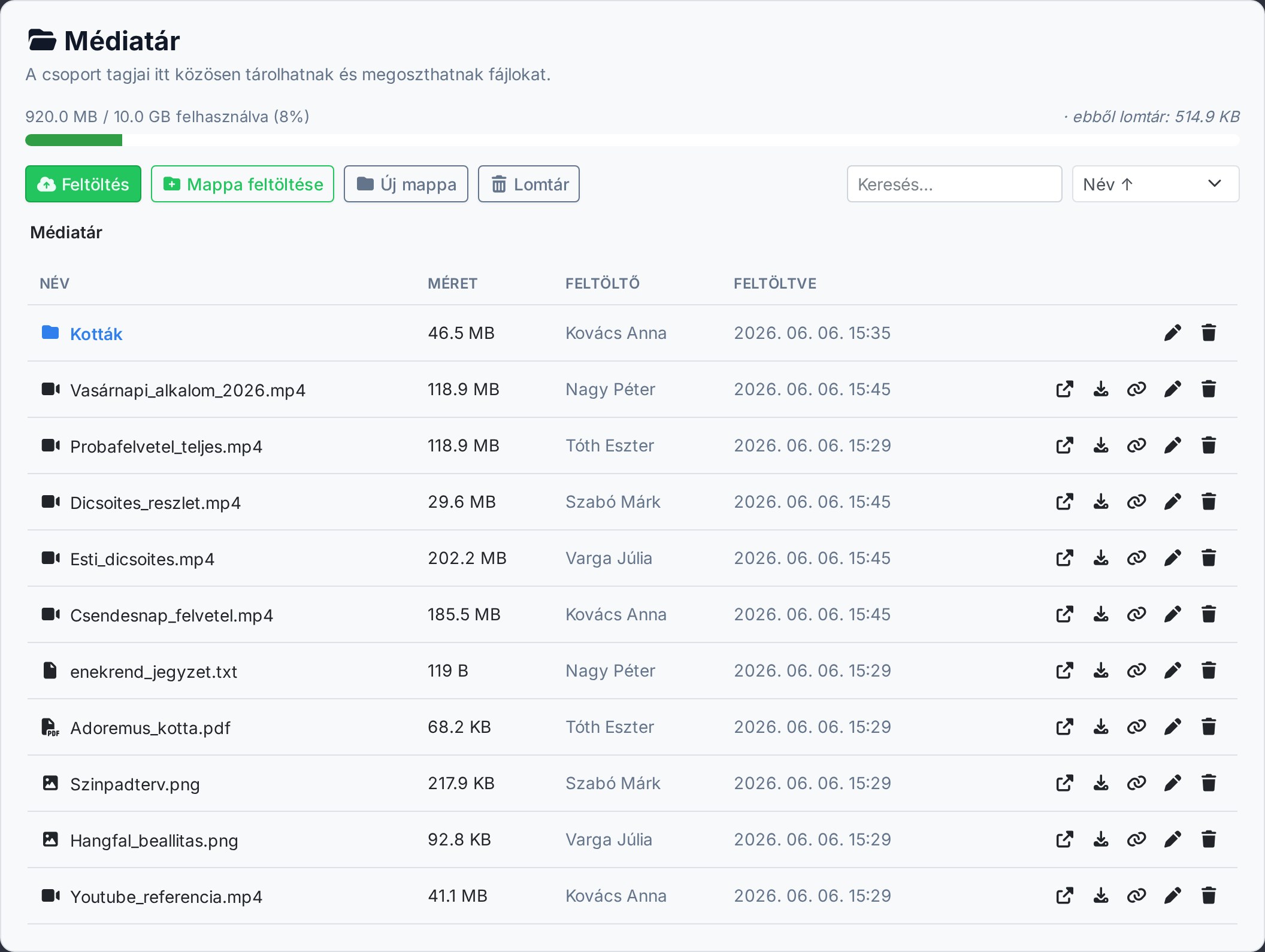
Projection dashboard and keyboard shortcuts
Projection now has a content-rich dashboard with real previews, and the control panel has keyboard shortcuts for faster operation.
Read more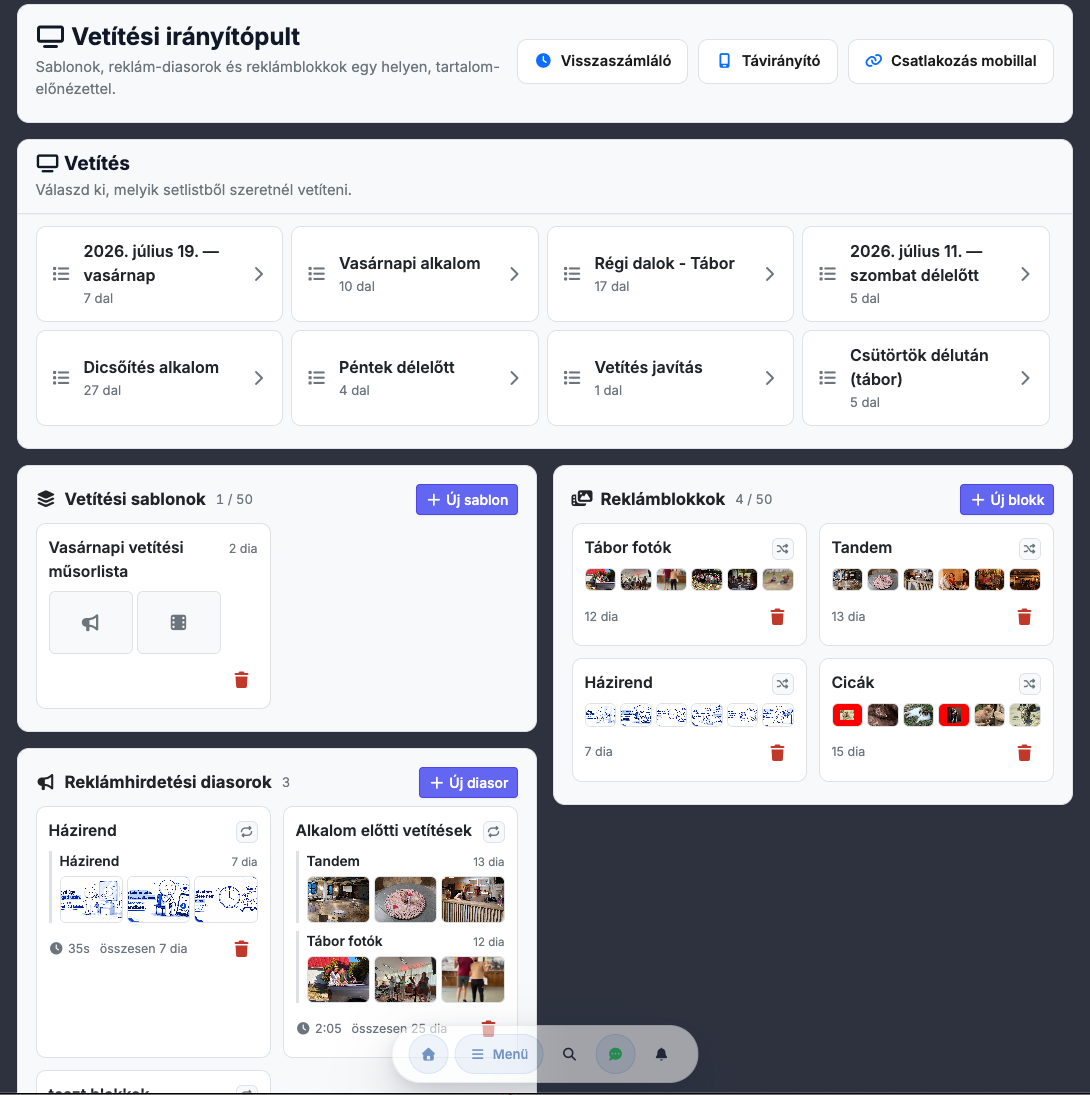
Projection templates and a template editor
Reusable projection content templates with a built-in editor, loopable background video and a Bible picker that remembers where you were.
Read more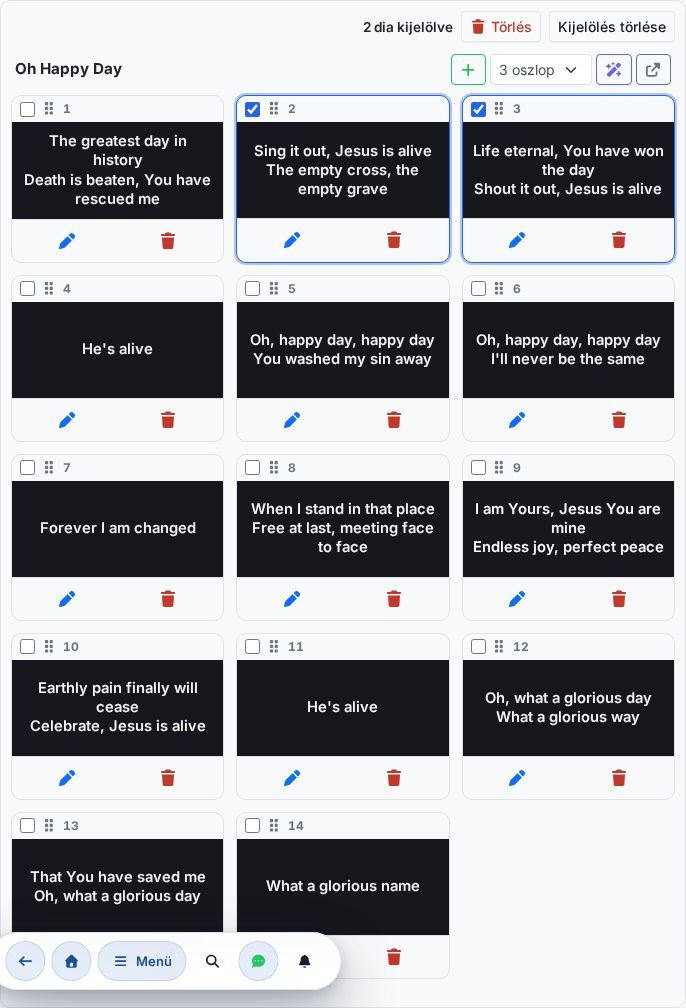
Scripture projection (Bible) and CCLI reporting
A built-in Bible module for projecting scripture, and a CCLI-compatible license report of the songs used.
Read more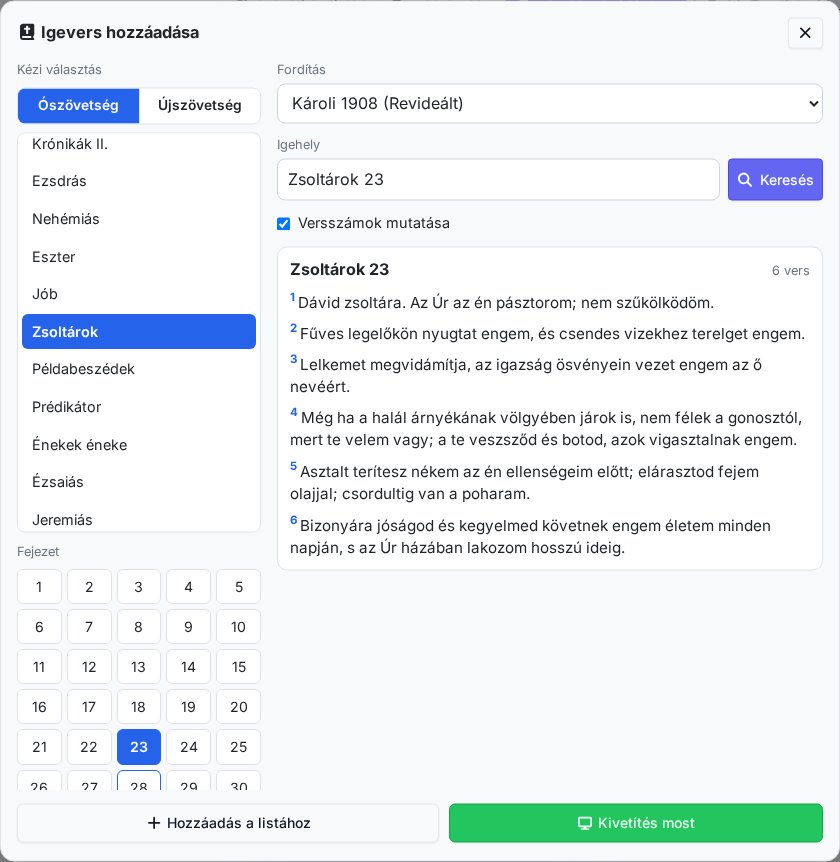
Circle of fifths and PowerPoint import for projection
An interactive circle of fifths for keys, and pulling PPT/PPTX presentations into projection, with a video bitrate setting.
Read moreCalendar export (iCal), a key picker and read-only mode
Events can be exported to an iCal calendar, songs got a quick key picker, and a read-only mode has arrived too.
Read more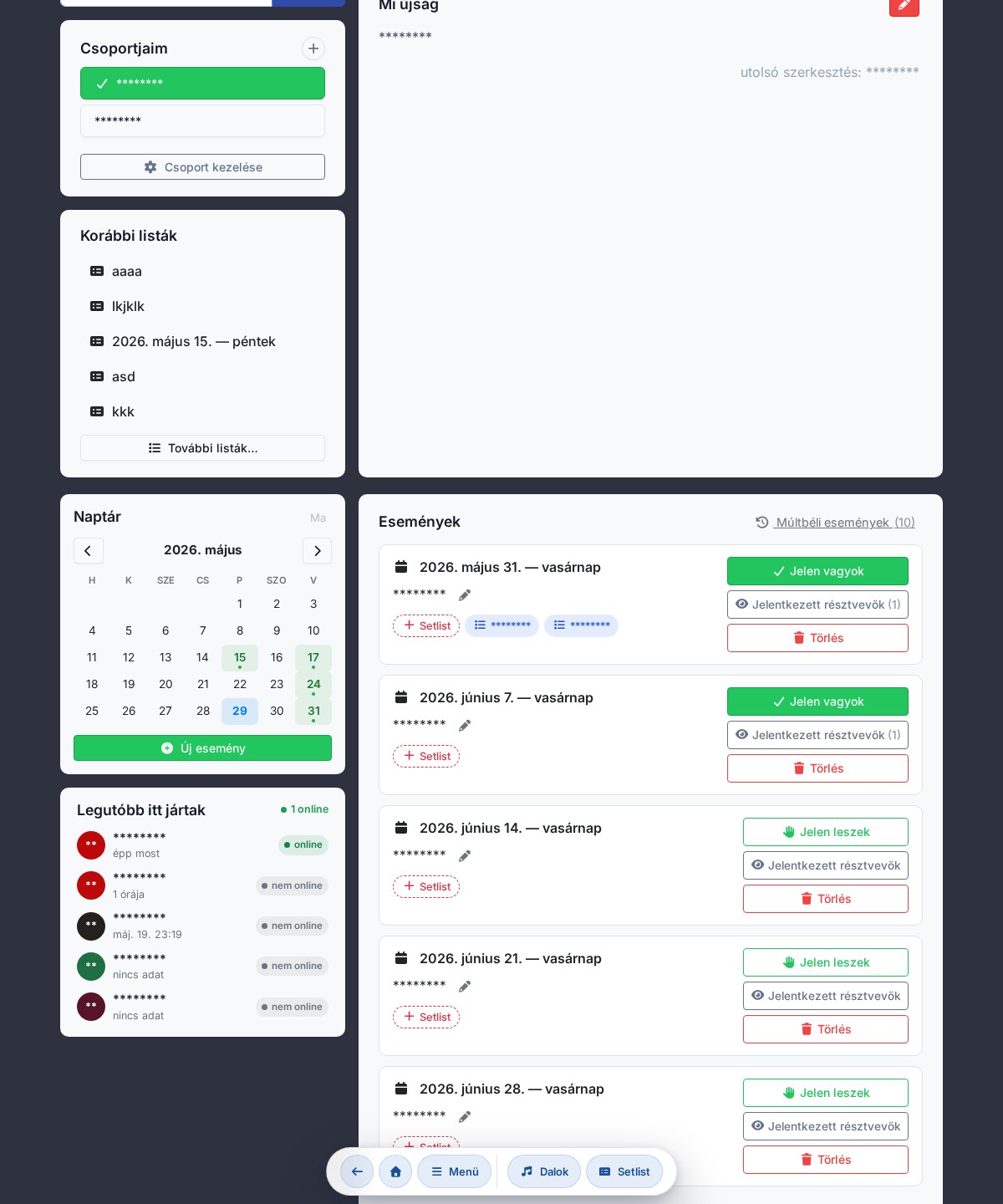
Group chat and copying songs between groups
A built-in group chat for coordinating within the team, and copying songs from one group to another.
Read moreYouTube support and Word import (DOCX)
YouTube videos for songs, with related-recording suggestions, and pulling songs in from a Word document (DOCX).
Read moreGamification
Motivating feedback and milestones, to make regular practice and shared preparation even more energizing.
Read moreSearching for and importing sheet music from the internet
Built-in internet sheet-music search and kottatar.hu integration – pull a song you find into your collection in one step.
Read more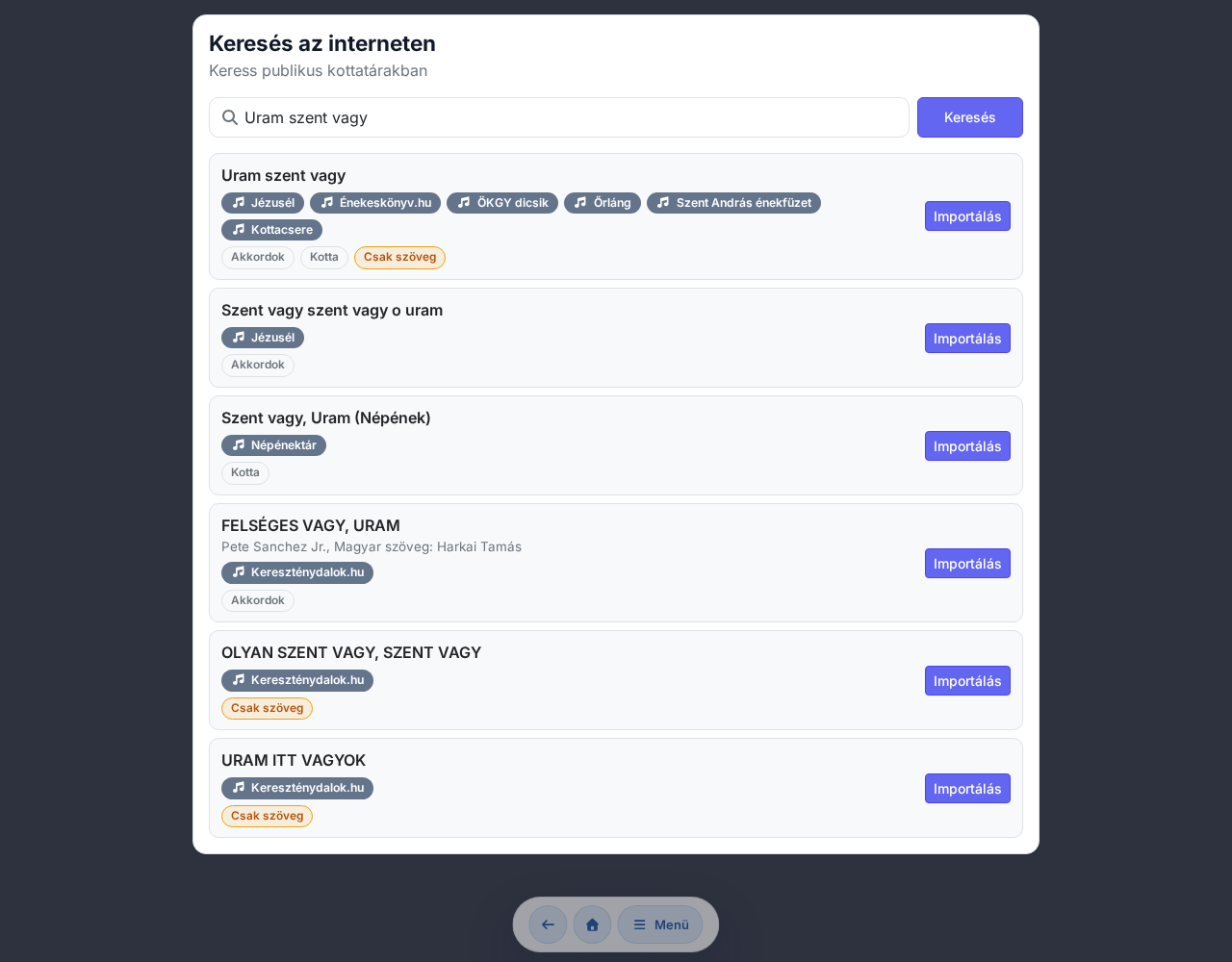
Automatic AI tagging of songs
Artificial intelligence suggests tags for your songs (theme, mood, style), to make organizing and searching easier.
Read moreRedesigned projection and a group media library
The projection interface has been redesigned, and a group media library has arrived for managing background images, videos and files.
Read more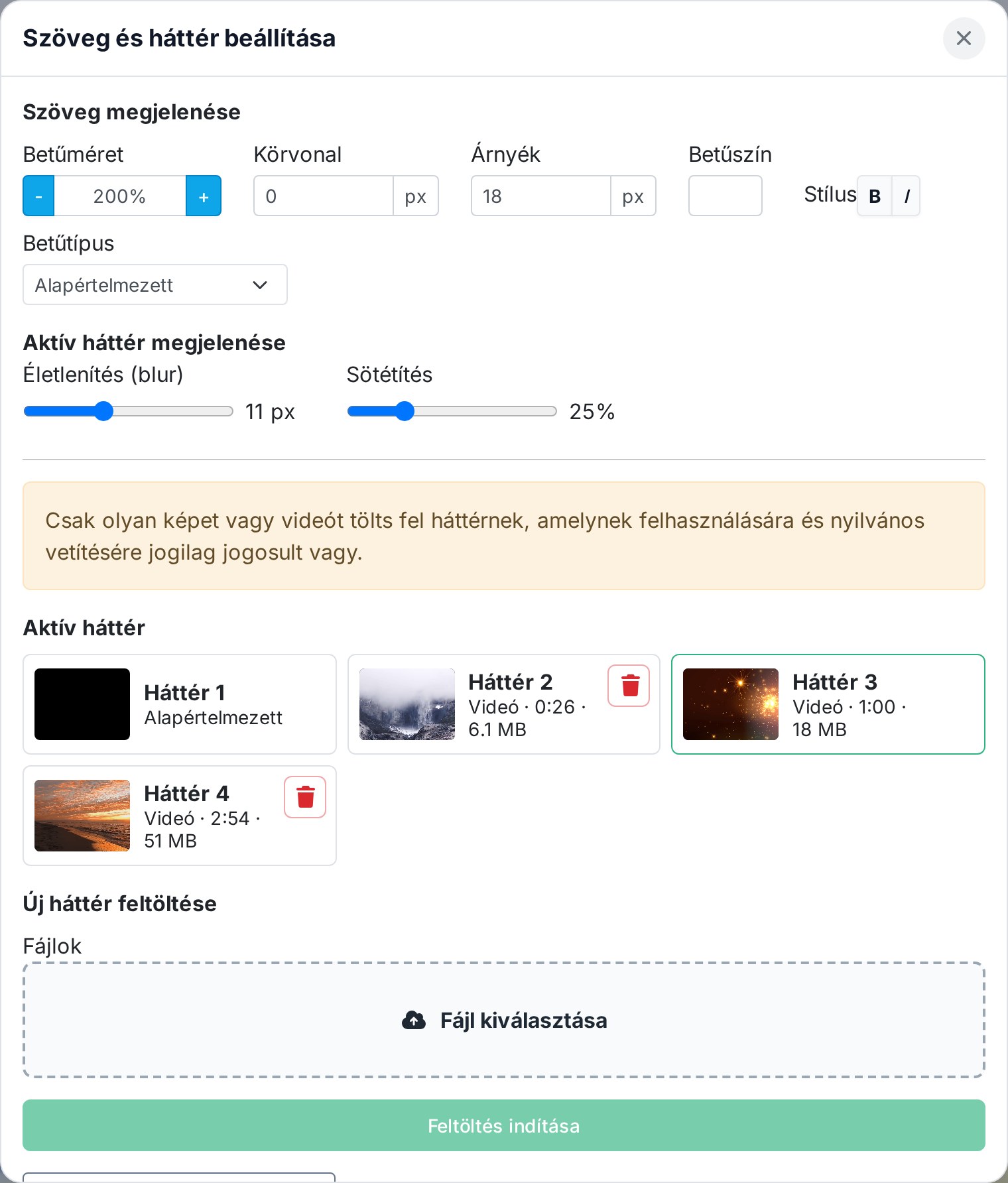
Event responses: I'll be there / I won't be there
Team members can indicate for each occasion whether they'll be there – scheduling and sync take this into account.
Read more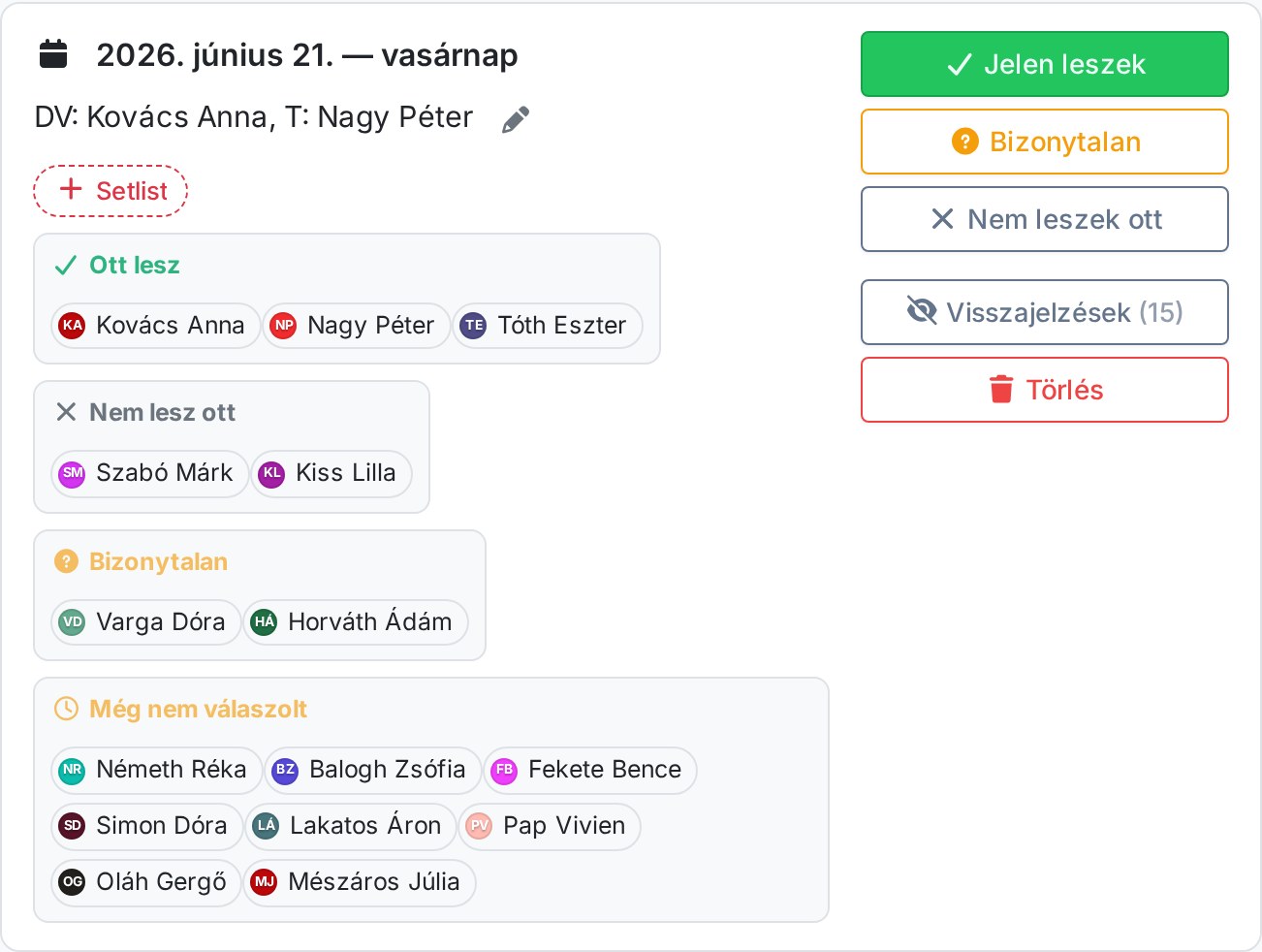
Weekly reminder and push notifications
Push notifications about important events, and an optional weekly reminder about upcoming occasions.
Read morePasswordless sign-in: Passkey, One Tap, FedCM
Modern, passwordless sign-in with Passkey (fingerprint/face) and Google One Tap / FedCM support – fast and secure.
Read more
Learner mode and a customizable background
A separate learner view for practice, and a customizable “paper” background for more comfortable, eye-friendly reading.
Read more
Bug reporting with a screenshot and drawing
If you get stuck or find a bug, you can report it in one click – with a screenshot you can even draw on.
Read more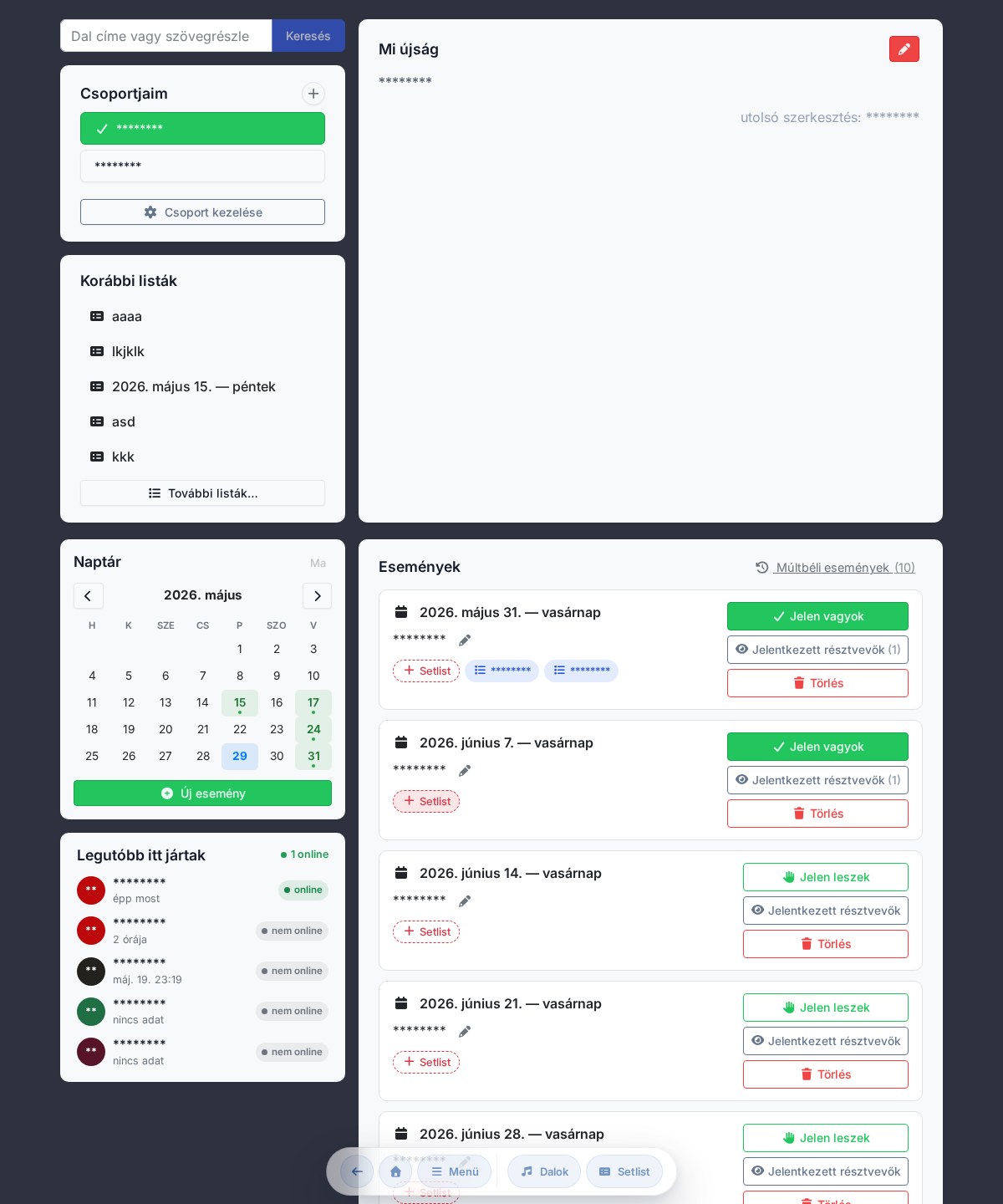
Entering songs from a photo (OCR)
Photograph the chart or the lyrics, and the app turns it into text and chords – no need to type it in by hand.
Read moreH and B note naming – with a single toggle
Switch between Hungarian (H) and Anglo-Saxon (B) note naming; the setting persists across your devices too.
Read more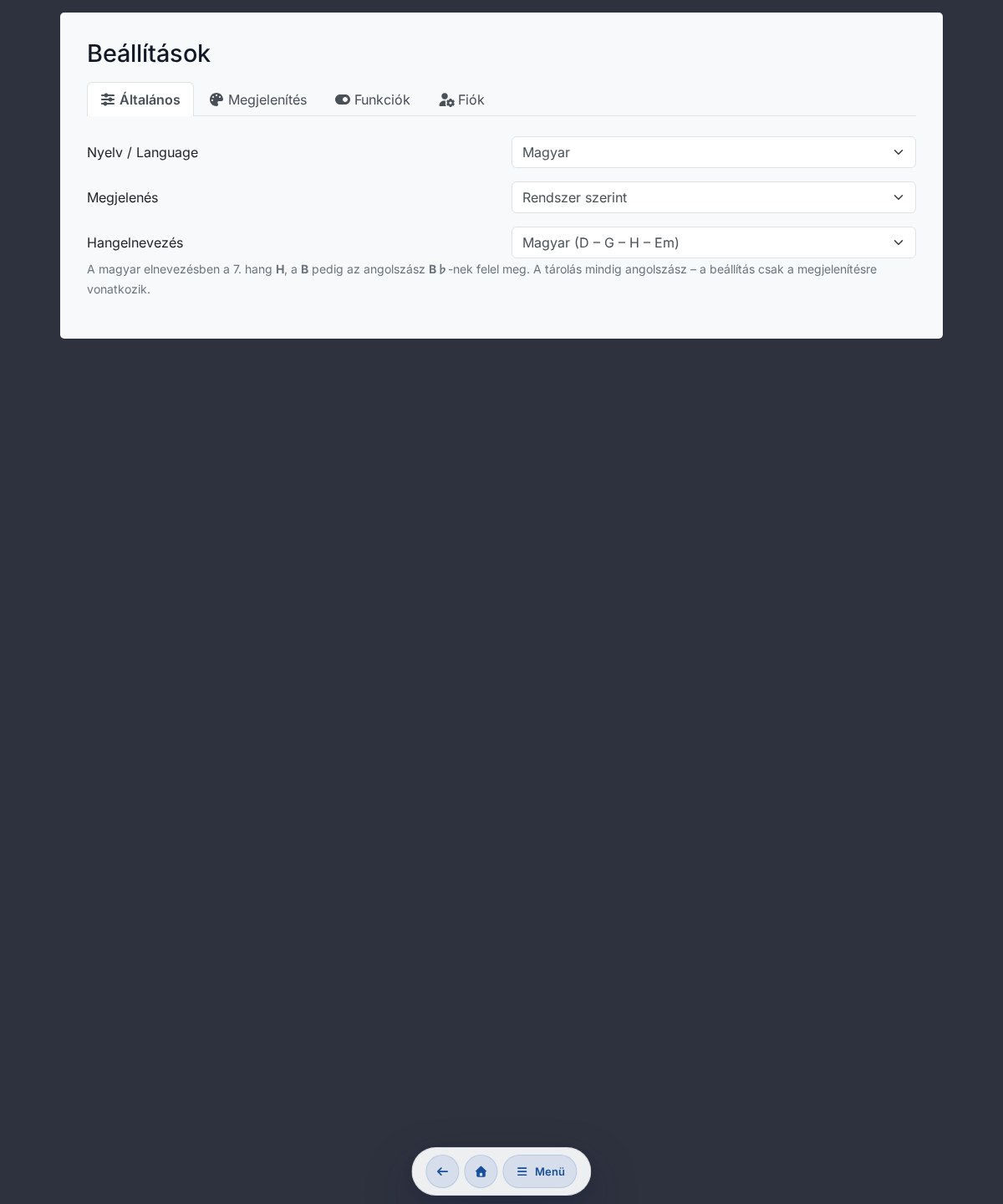
Playing live together: Music Director mode and synchronized page-turning
The leader's song changes and commands (Stop, Continue, Return, End) appear live on everyone's screen, and page-turning can be kept in sync too.
Read more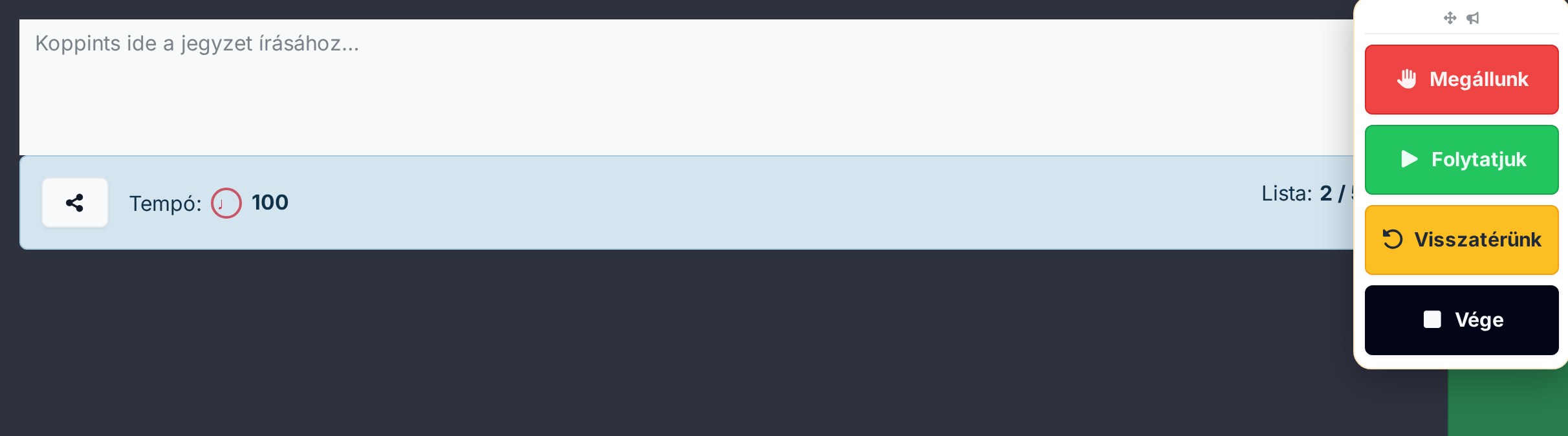
Full offline mode
At rehearsal and at the occasion, every essential feature works without internet – songs and setlists stay available.
Read more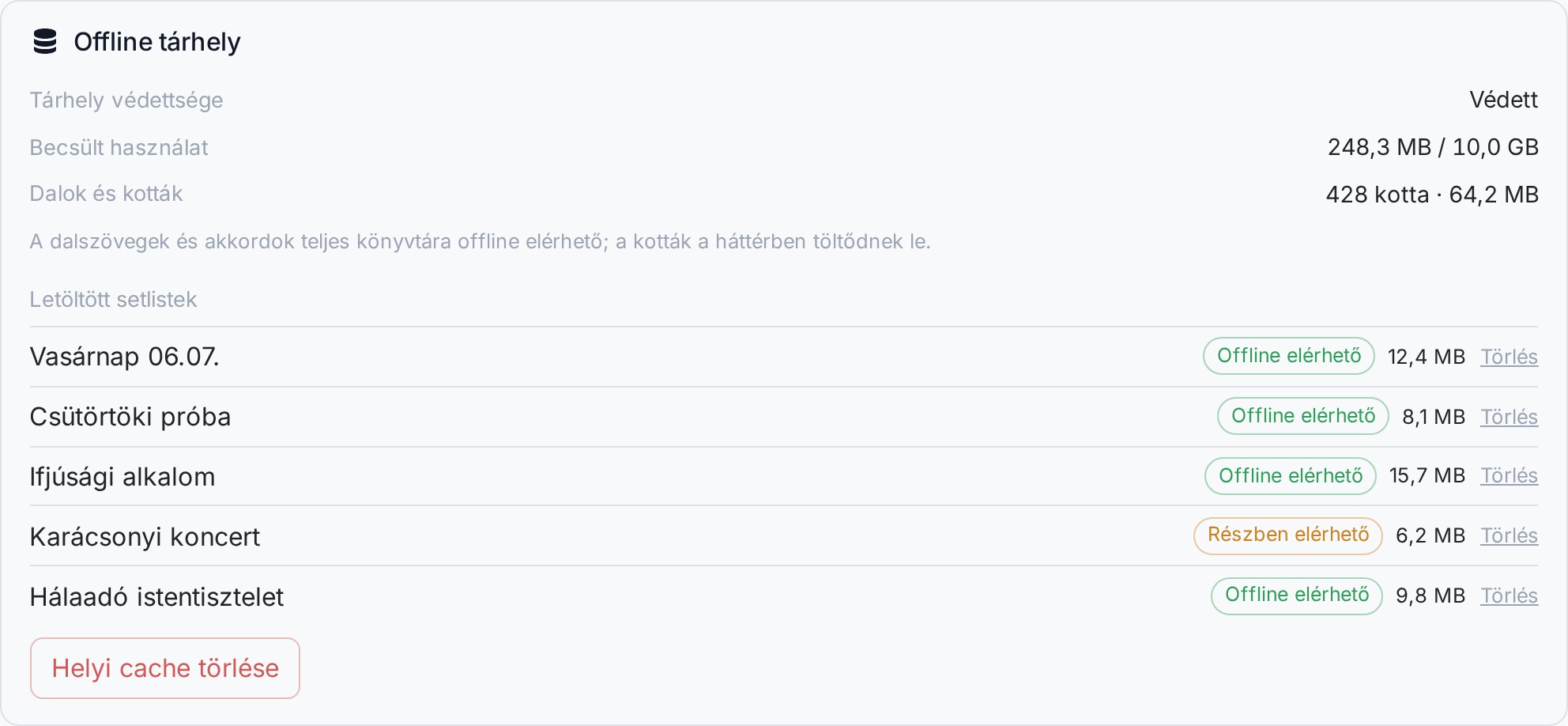
Drawing and handwritten notes on the sheet music
Draw and take notes directly on the sheet image with your finger or a stylus – your marks anchor to the right spot.
Read more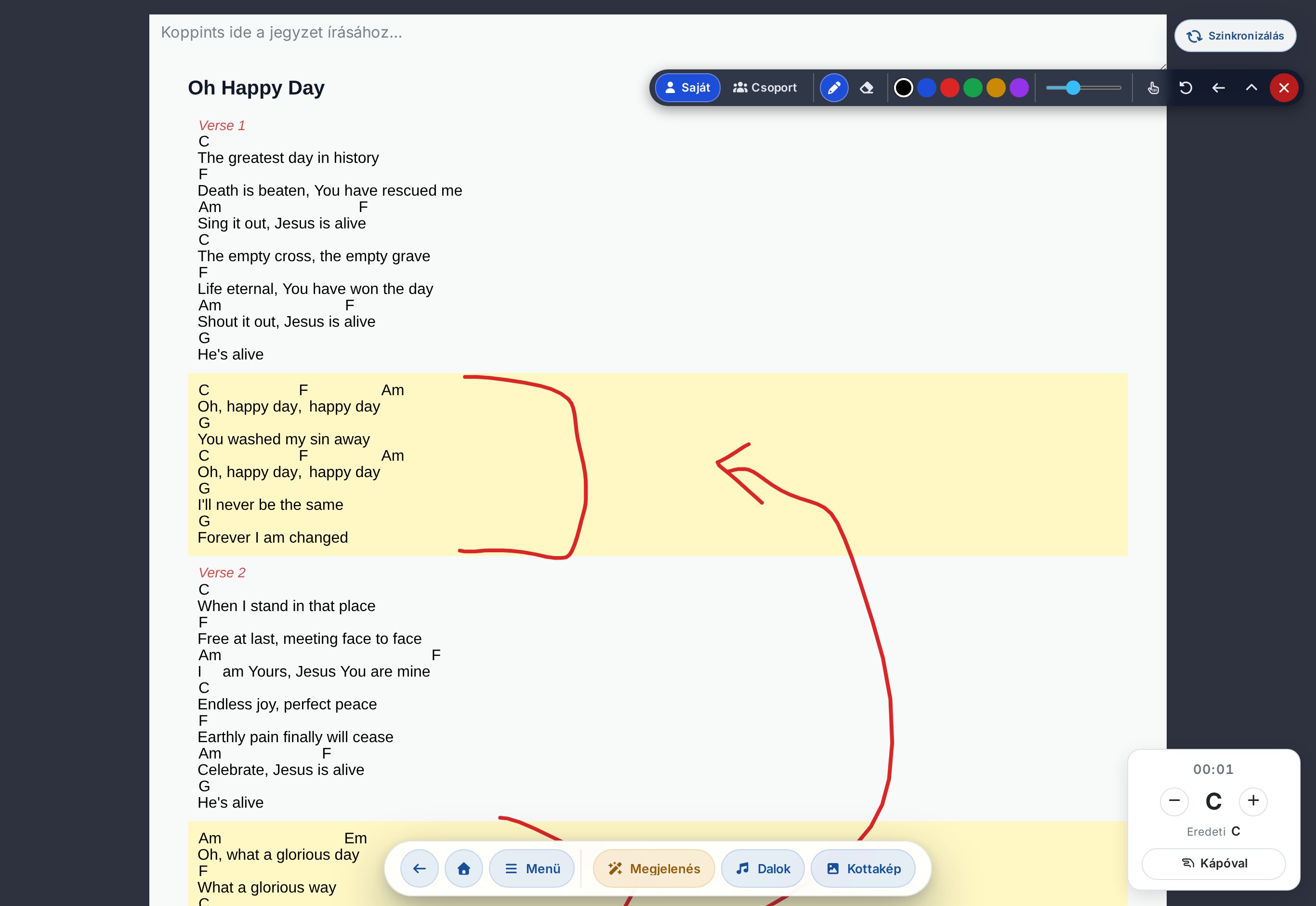
A new home page and group invitations
A clear new home page with the most important tasks, and simple group invitations for growing the team.
Read more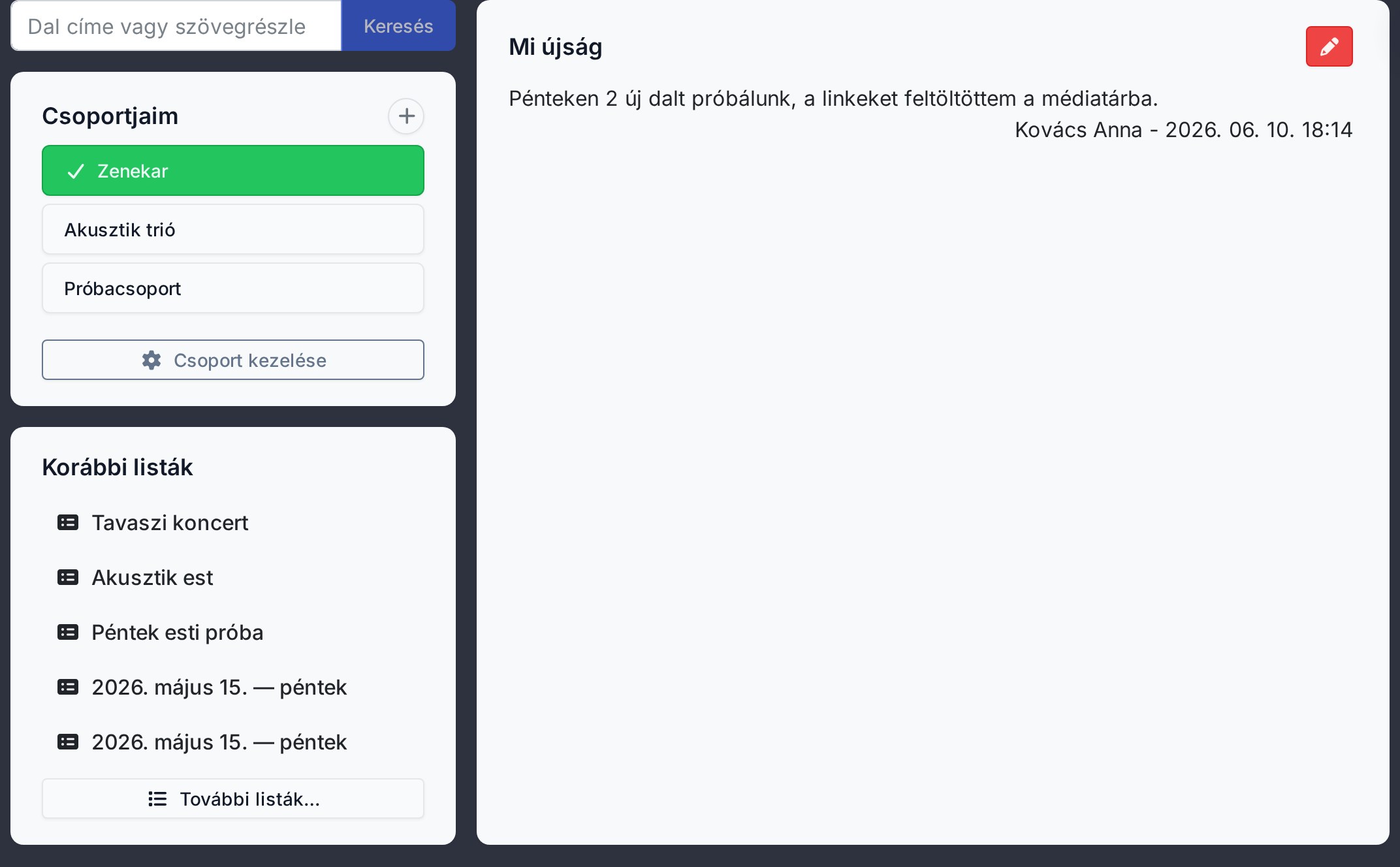
Visual ChordPro song editor (beta)
A new visual (WYSIWYG) editor for a song's chords and lyrics – no code, and you see the result instantly.
Read more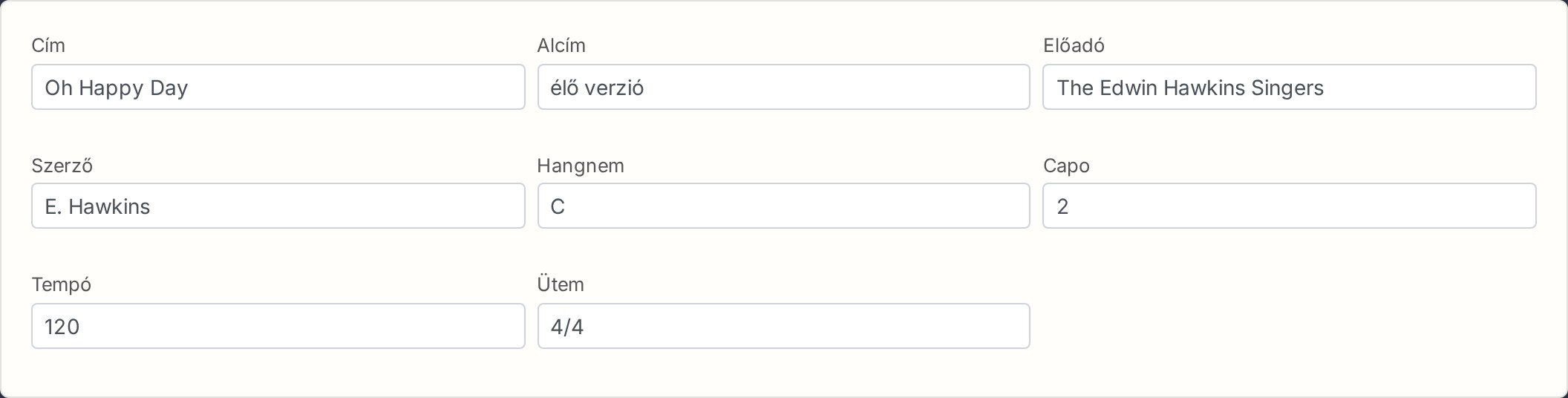
Dark mode
A dark theme has arrived – gentler on the eyes in dimly lit rehearsal rooms and on stage.
Read moreStem separation: accompaniment split into instruments
Split a recording's instruments apart (vocals, drums, bass, other) so you can mute or highlight them for practice.
Read more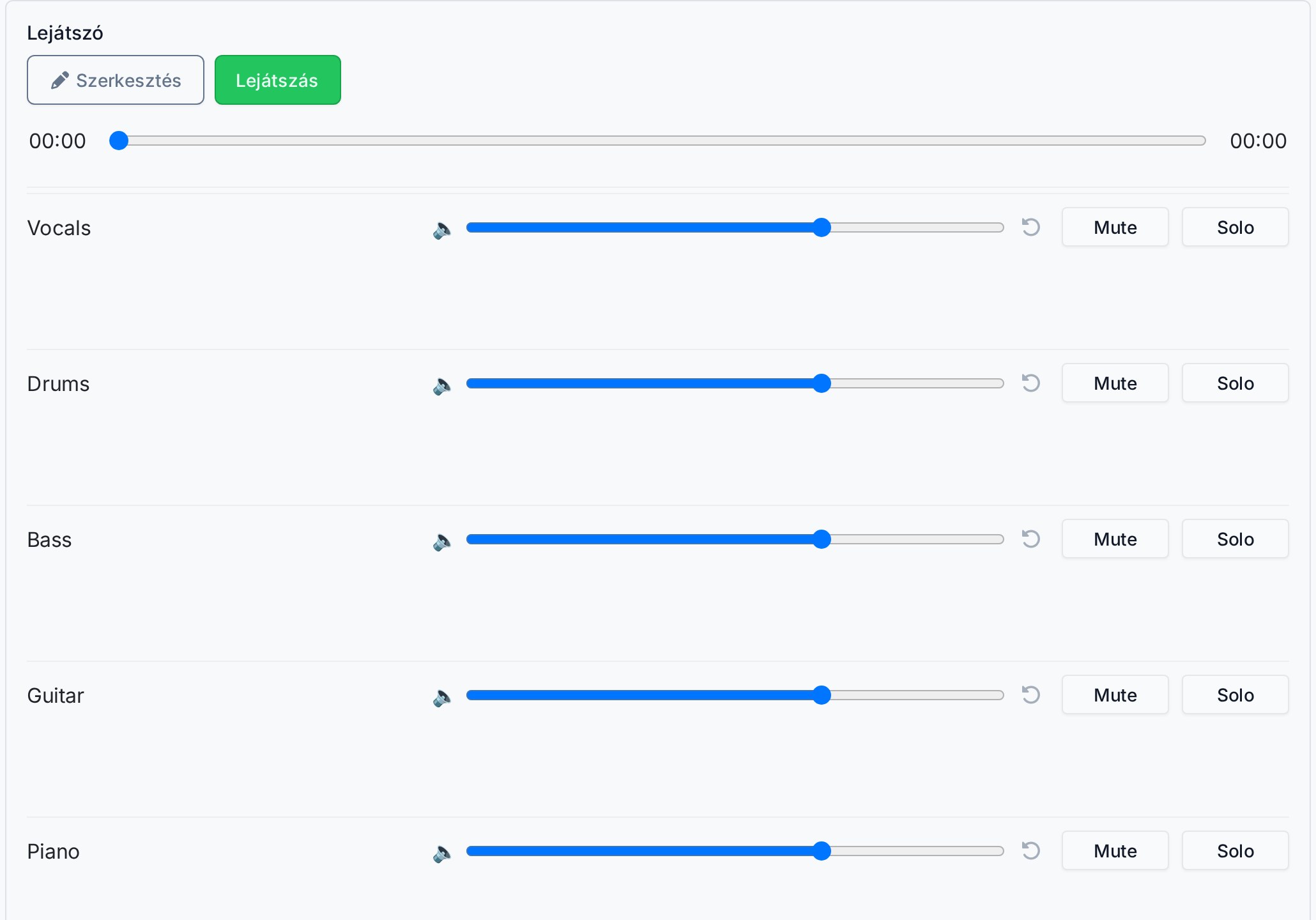
Slideshow projection arrives
The first version of projection/slideshow launched – this is what grew into today's full-fledged built-in projection software.
Read more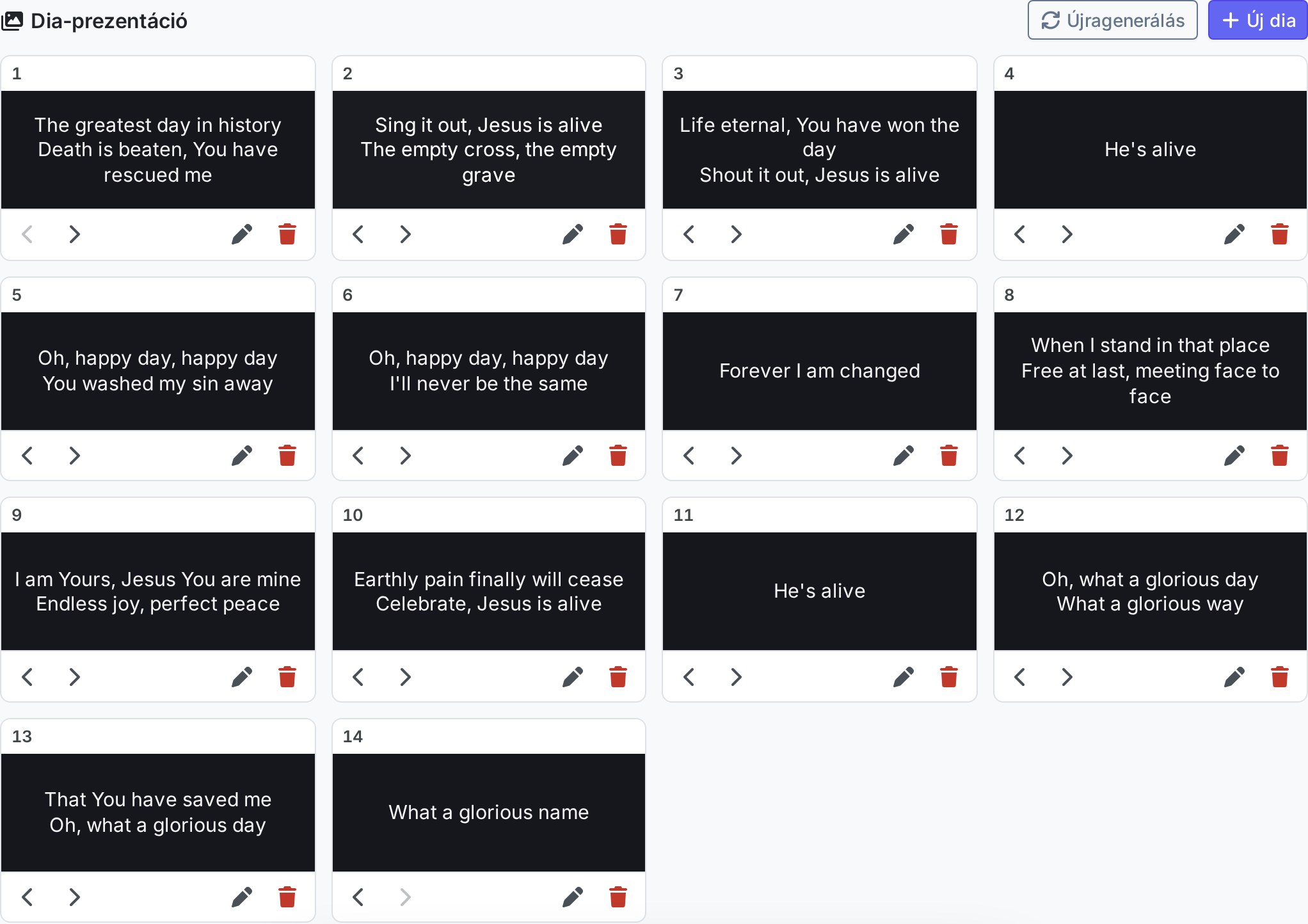
Image and PDF sheet music
Alongside ChordPro text you can also upload image and PDF sheet music, directly from the editor.
Read moreMetronome and event calendar
A built-in metronome for keeping precise tempo, and an event calendar for keeping track of occasions and rehearsals.
Read more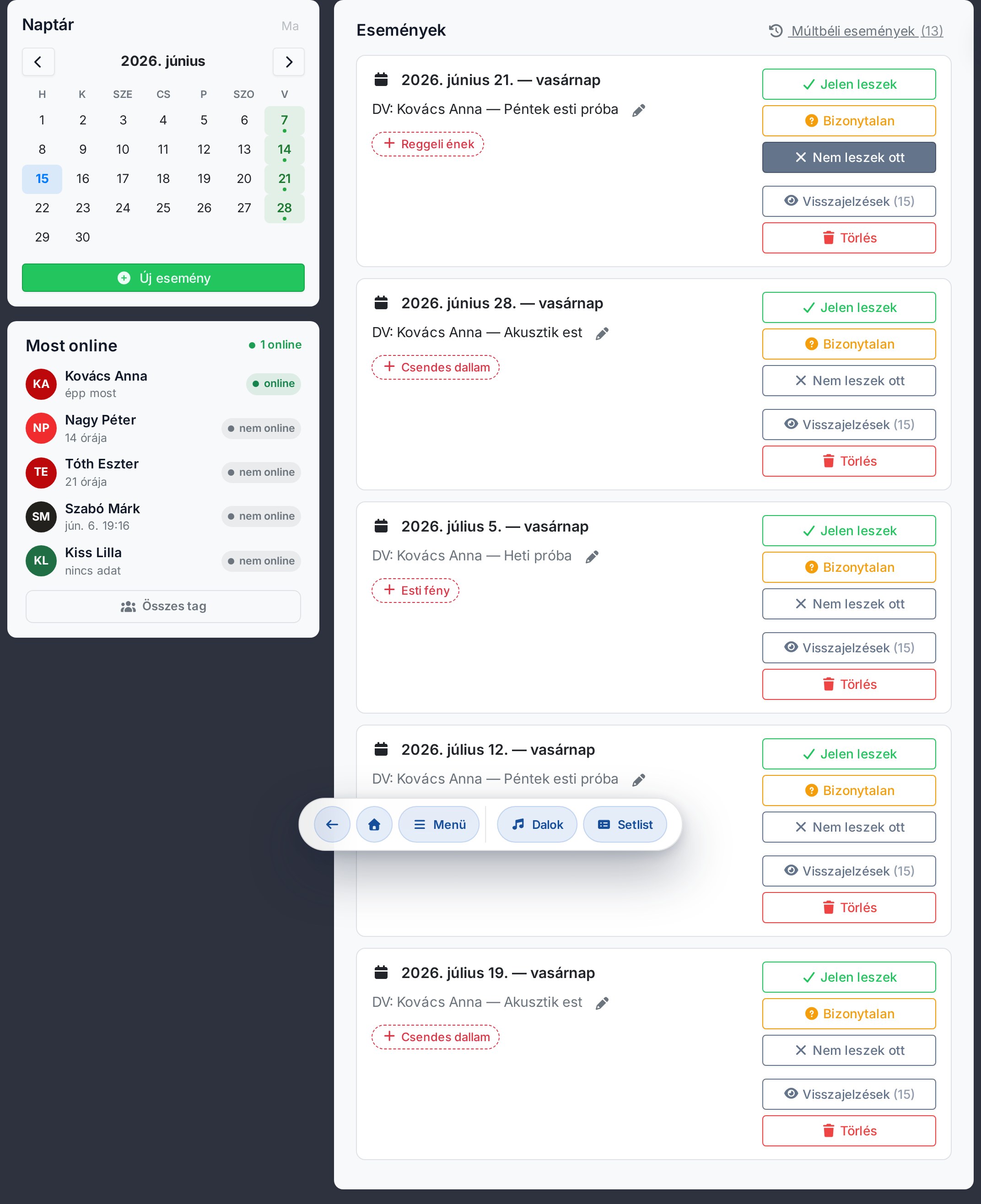
Sign-in and teams
Sign-in and groups (teams) arrived, making the repertoire and the scheduling shared.
Read more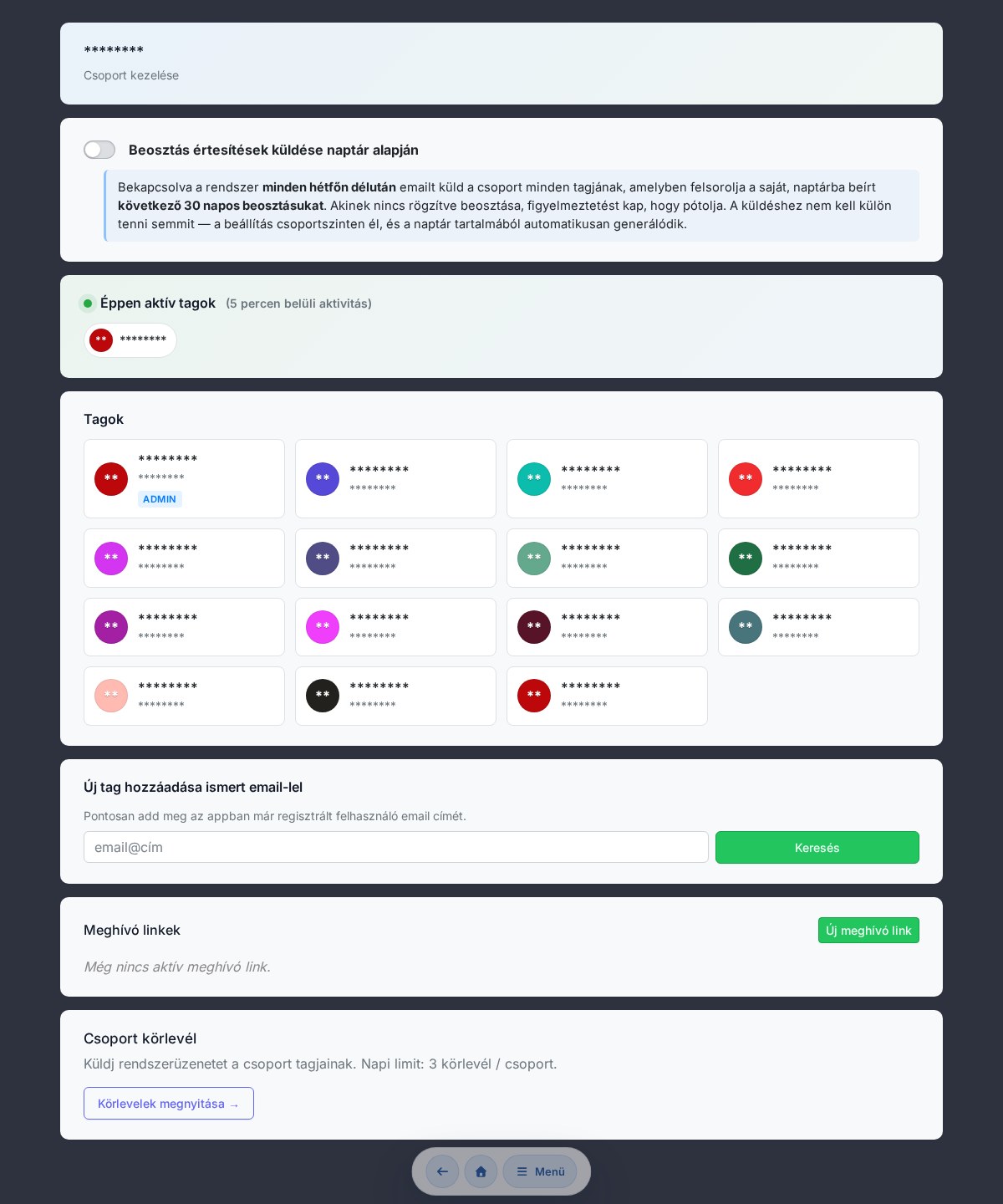
Installable app (PWA) and breaks
Chords365 became an installable app (PWA), and you can insert breaks into the setlist too.
Read more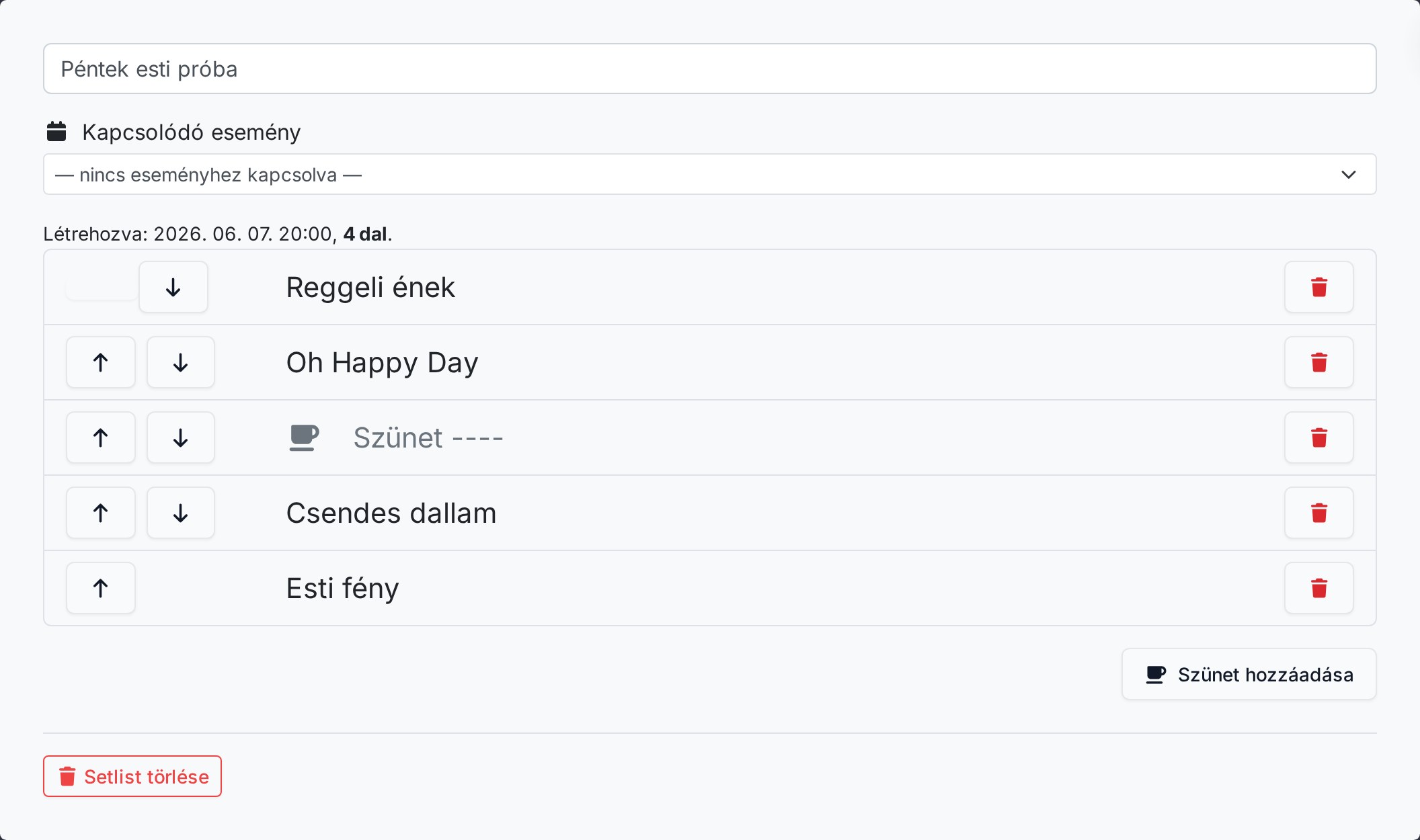
Editing your own songs and taking notes
The song editor and manual song entry arrived, along with notes you can attach to songs, and favorites.
Read more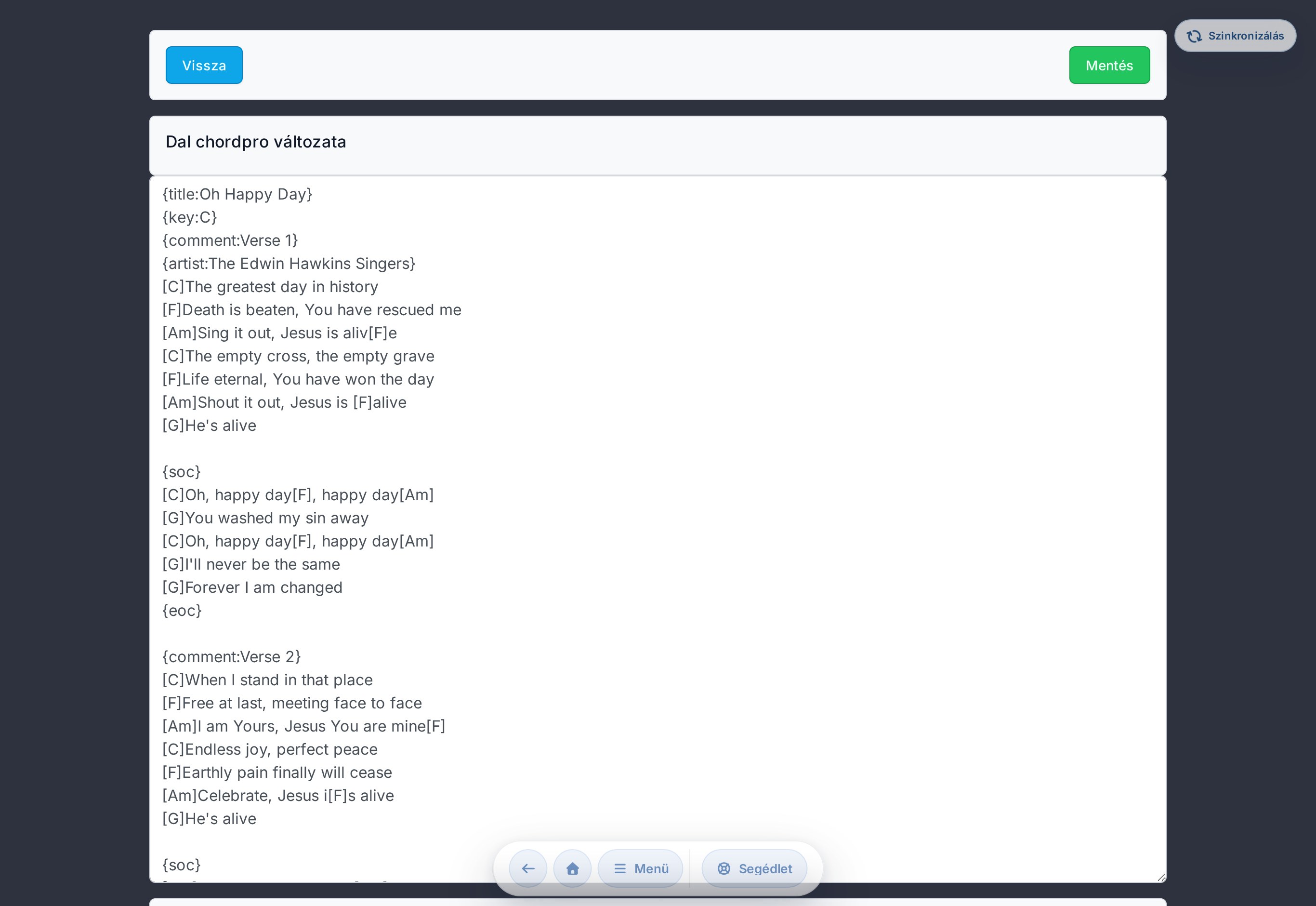
Chords365 launches
Chords365 was born: uploading and searching for songs, a chords-and-lyrics display, transposing, setlists and comfortable page-turning.
Read more