Skip to content
Chords365
  • Who it’s for
  • Features
  • Compare
  • Tips
  • Manual
  • Dev blog
  • English
    • Magyar
    • English
    • Deutsch
    • Español
    • Português
    • Français
    • Polski
    • Română
    • Русский
    • Українська
  • Open App
Back to the tips

Keep your team mark visible on the projection
2026-09-29
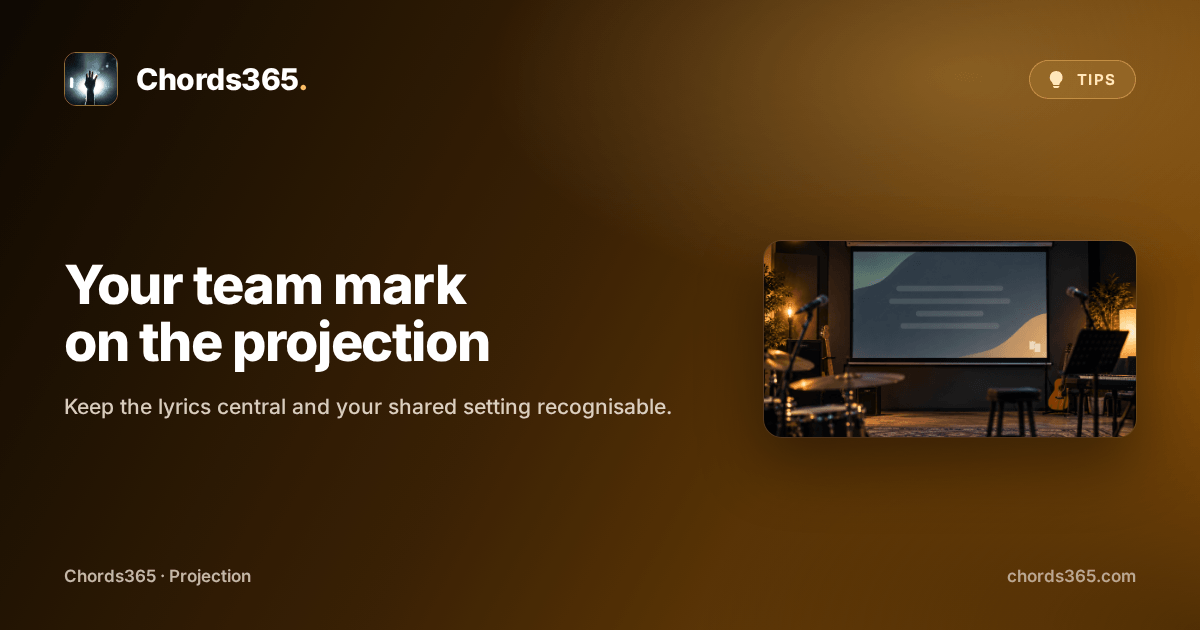
Anonymous rehearsal-room projector screen with a subtle corner mark.

The setup is ready and the next song will soon be on the screen. You would like your community or band mark to stay quietly visible too—without covering what matters.

Brand logo places a chosen image or video in one corner of the projection. The lyrics stay central while the look of your shared event remains consistent.

Three steps are enough:

  • Open the projection start dialog and find Brand logo settings.
  • Upload a logo or choose one from the shared Media Library.
  • Set the corner, size and margin, then check the preview.

You can refine the logo later; leave enough room for the text.

Try it before your next setup: put your team mark in a corner and view it together on the projector.

Back to the tips
Chords365

Music platform for music teams: songs, setlists, events, offline PWA and projection

Contact

  • [email protected]
  • Follow us on Facebook
  • Support
  • Privacy policy
  • Terms of service
  • IT & security

App

  • Open App
  • Features
  • Manual
  • Dev blog
  • Chords365 tips
Who it’s for Worship teams Bands Music teachers Choirs Projection

© 2026 Chords365 For music teams, with love.