Advance the projection from your phone
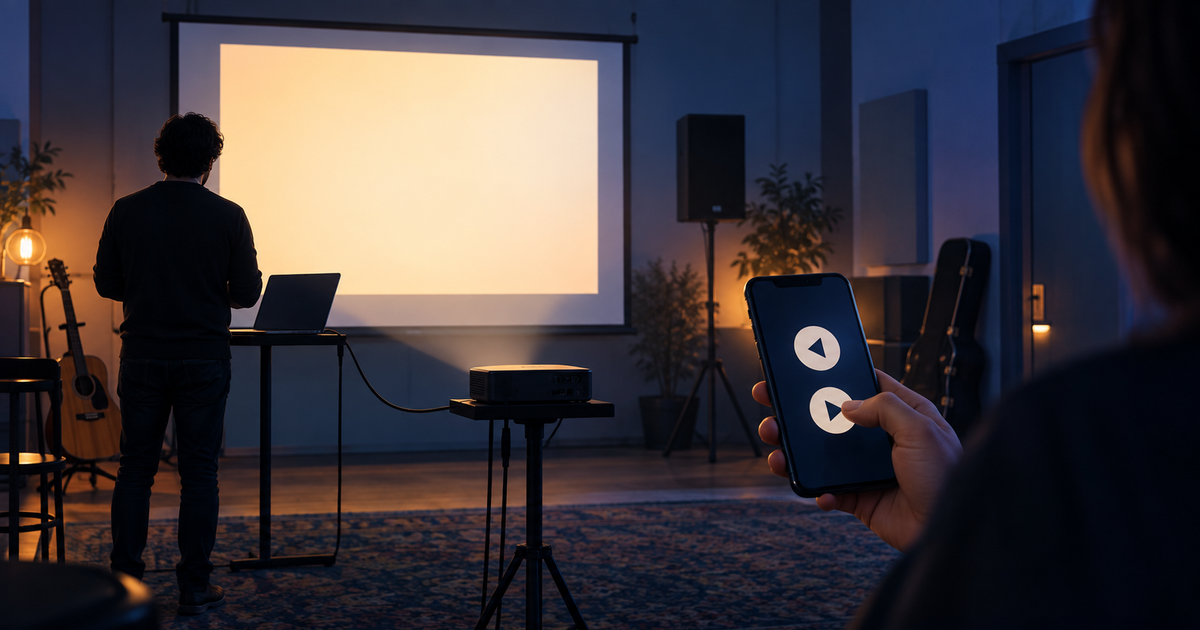
During rehearsal, the laptop stays beside the projector while you are helping from the other side of the room. The next slide is due, but you do not want to walk back to the computer every time.
The Phone remote leaves the full control desk on the laptop and gives your phone large Previous and Next buttons. You can advance from wherever you are needed.
Three steps are enough:
- Start the projection on the laptop.
- Open the Phone remote QR code in the control desk header.
- Scan it with your phone, then use the large buttons to go forward or back.
Your phone does not need a login: a short-lived, one-time QR link connects it to the active projection. Blackout and song changes stay on the control computer, so quick advancing does not disrupt the whole setup.
Try it at your next rehearsal: leave the laptop at the projector, stand elsewhere in the room, and advance one song from your phone. Details are in the Projection, slides and pairing manual chapter.