Let everyone know when rehearsal starts again
At the end of the break, the guitarist is back, the singer is still talking in the corridor, and someone asks whether you are starting again in five or ten minutes. You do not want every return to take a fresh round of organising.
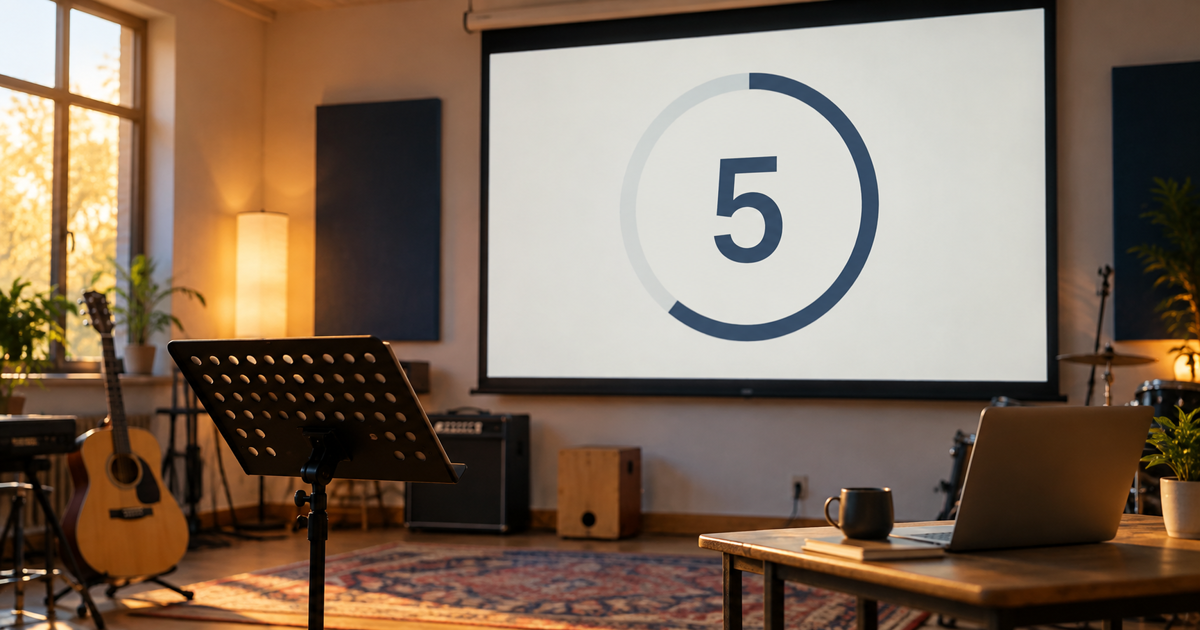
The projection countdown timer shows the same time to everyone on the screen. It gives the return from a break one visible shared cue.
Three steps are enough:
- Open the Timer button in the projection control panel header.
- Choose one of the Break presets or enter your own number of minutes.
- Add a short message such as “We start again shortly”, then start it.
The remaining time is also visible in the control-panel header, while it stays clear on the screen as everyone gets their instrument ready.
Try it at your next longer rehearsal: start a ten-minute break countdown and see how naturally the team comes back together. Find details in the Projection chapter of the manual.