Before rehearsal, make every role clear
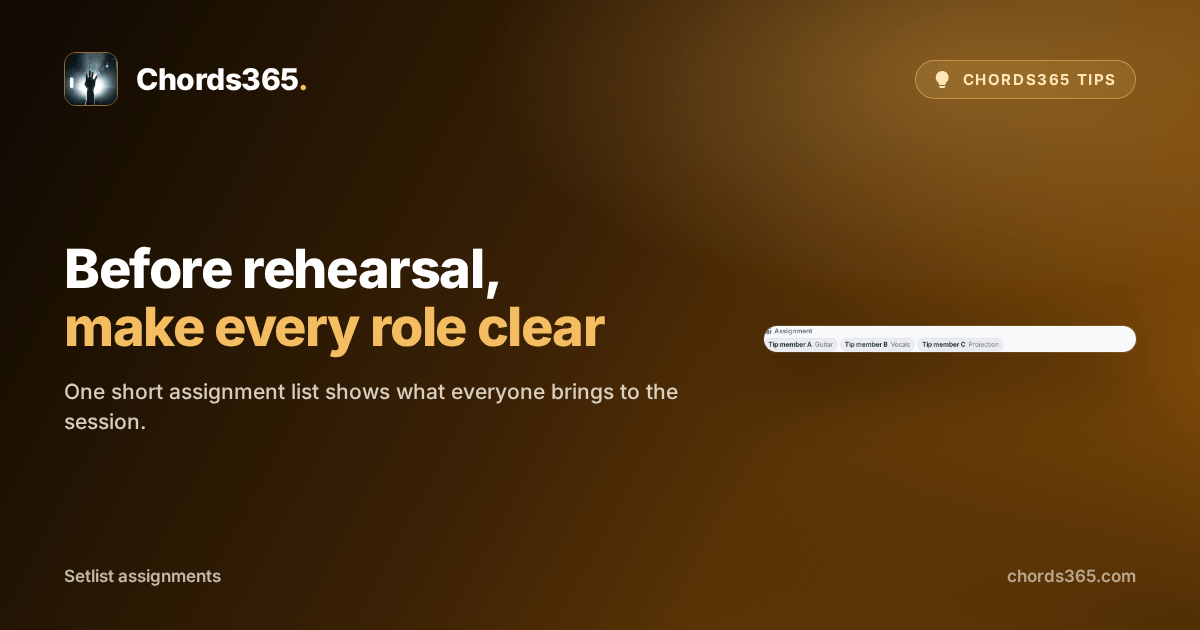
You are unpacking at the start of rehearsal when it turns out everyone pictured the roles differently: who is on guitar, who sings, and who watches projection? You do not need one more chat message; you need one shared answer tied to this session.
The Assignments section of a setlist shows in one place who has taken which task for that rehearsal or performance. Everyone can start with their own job as soon as they arrive.
Three steps are enough:
- Open the session's setlist in Music Director mode.
- In Assignments, choose a member and a task, such as Guitar, Vocals or Projection.
- Add the role; the short labels are then visible to every team member.
As a group admin, you can change the assignment, while everyone else can read it in the same place.
Try it before your next calm preparation: set the three most important roles in advance so the first minutes of rehearsal are not spent coordinating. Details are in the Setlist chapter of the manual.