Do not lose a setlist to an accidental delete
In the last few minutes before you leave, you are still adjusting tomorrow’s rehearsal order when one wrong tap makes the whole setlist disappear. You do not want to pick every song again; you want it back where it was.
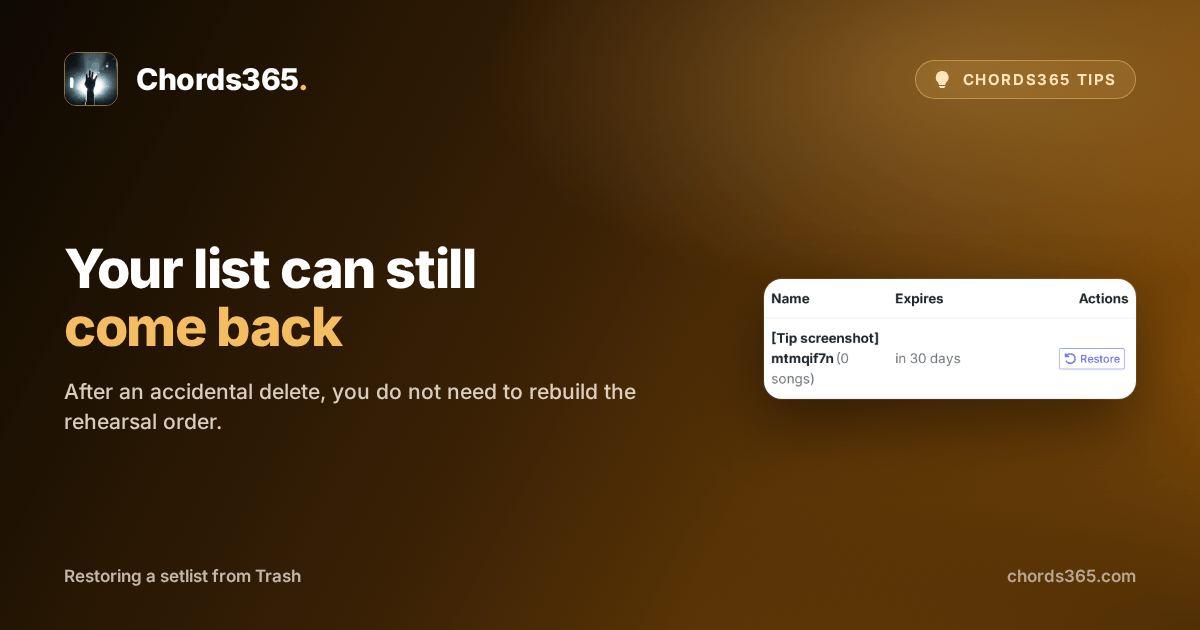
The Trash keeps deleted setlists, so as a group admin you can restore one to your lists. Deleting is not permanent immediately: the row tells you how much time remains to recover it.
Three steps are enough:
- Open the Menu in the global header, then choose Trash.
- Find the list you want to bring back under Deleted setlists.
- Tap Restore and confirm your choice.
The restored list is back among your lists; you do not need to recreate its songs or order. After the 30-day retention period, however, the deleted item is gone permanently.
Try it in a calm moment: find where the Trash is, so an accidental delete does not take time away from rehearsal. Details are in the Group management chapter of the manual.