Tell your team when the setlist is ready
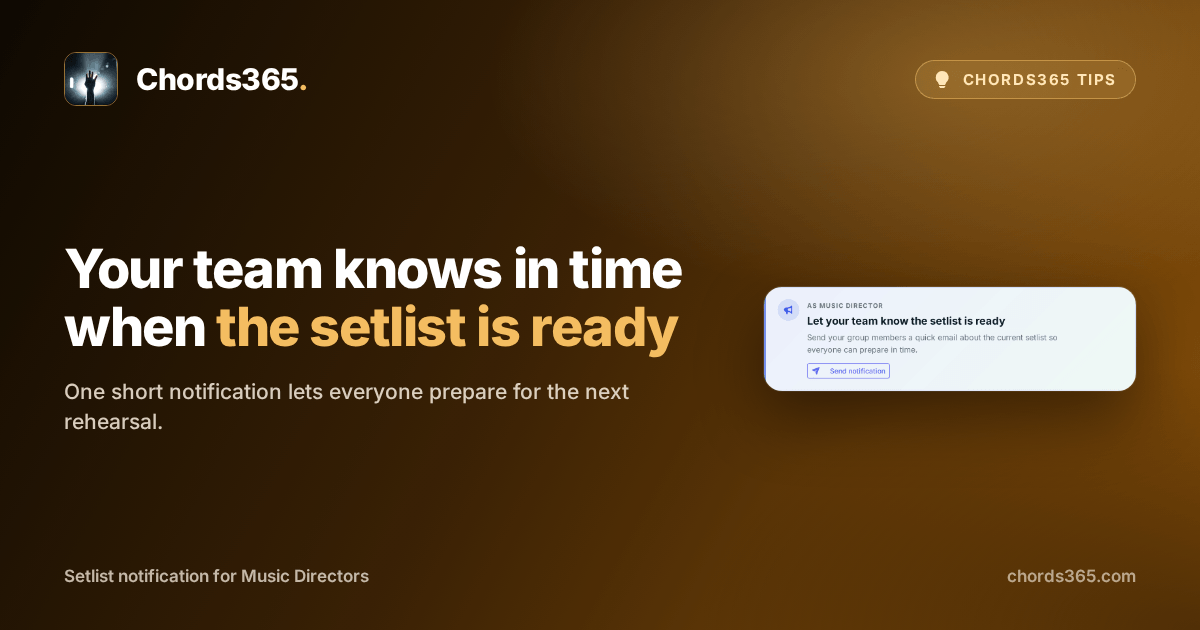
It is Thursday evening and the base list for Sunday’s rehearsal has finally come together. Now you just want everyone to see it in time, without having to ask each person whether they found the latest version.
With the setlist notification, one short email tells the team that the list is there. It includes the current order and a link to the full setlist, so everyone can start preparing from the same place.
It takes three steps:
- Open a recently edited, non-empty setlist in Music Director mode.
- Below the list, find the Send notification card.
- Check the short confirmation, then choose Send.
This does not lock the list; it only says the base version is visible, so you can still refine it later.
Try it when your next first playable order is ready: send it that day, and everyone can arrive at rehearsal with the same list. Details are in the setlist chapter of the manual.