When the moment pauses, let the screen go dark
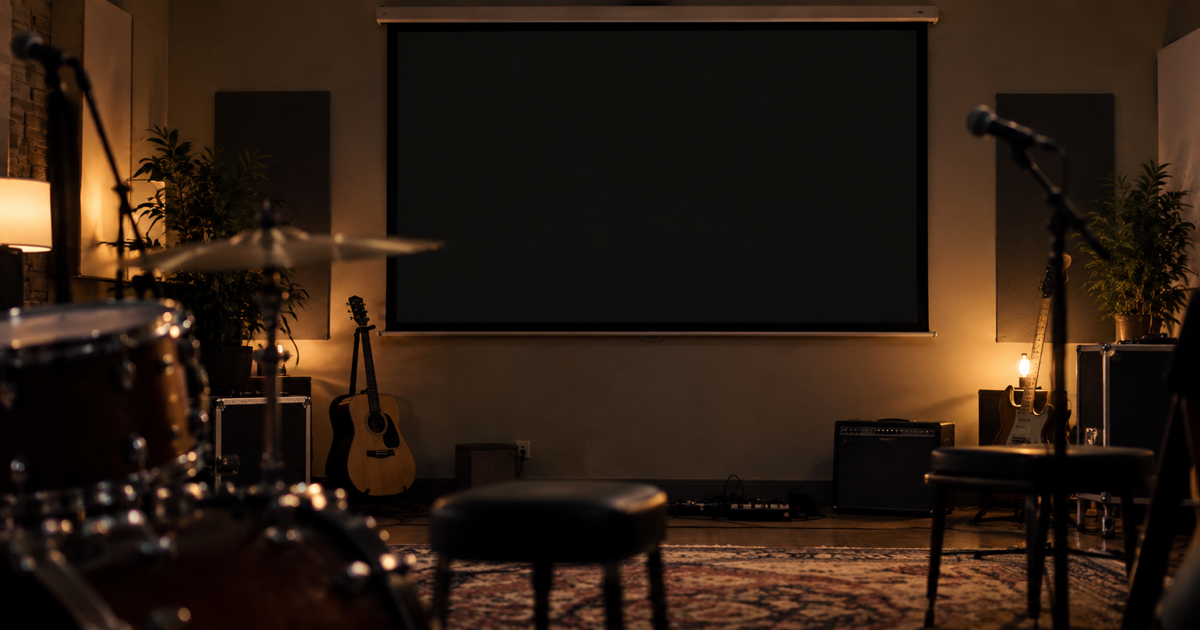
The next song is about to begin when someone asks for a short announcement, or you simply need to pause for a moment. You do not want half-finished lyrics left on the screen.
Blackout turns the projected image fully black in one move. Attention comes back to the room while you decide how to continue.
- On the running projection control desk, find Blackout.
- Click it, or press B.
- When you are ready, click the next slide or song.
Blackout gives a fully black image. If you only want to remove the text while keeping the background, use Hide text next to it.
Try it before the next rehearsal: black out the screen once, then continue with the next slide. Details are in the Projection software chapter of the manual.